Models / Use cases
AI clothes changer: virtual try on with image models
Put the garment from a product shot on a person, swap an outfit or restyle a look, keeping the face and the pose.
How a virtual try on works here
Send the photo of the person and the photo of the garment, and say what to do: "dress the woman in the first photo in the jacket from the second, keep her face, pose and background". Models that take several reference images keep both the person and the garment.
Use only photos of people who agreed to it, and pictures you have the right to use.
Try:Image upscalerLogo generatorClothes changerHeadshotsBackground changerPosters and flyersVideo upscalerAI dubbingLip syncAd generator
- Text to imagefrom $0.0336 / image
Nano Banana 2.1
Google
flymyai/nano-banana-2_1Gemini's newest image model: 14 references, up to 4K, with adjustable thinking.
- Text to imagefrom $0.045 / run
Seedream 5.0 Pro
ByteDance
flymyai/bytedance-seedream-5_0_proByteDance's precise 5.0 tier for product shots and layouts, blending up to 10 reference images.
- Text to imagefrom $0.02 / run
Seedream 5.5
ByteDance
flymyai/bytedance-seedream-5_5ByteDance's newest Seedream: images and edits of up to 10 references that keep the rest steady.
- Text to imagefrom $0.0672 / image
Nano Banana 2
Google
flymyai/nano-banana-2Gemini 3.1 Image: up to 10 images per run at up to 4K, with optional web search.
- Text to imagefrom $0.1344 / image

Nano Banana Pro
Google
flymyai/nano-banana-proGemini 3 Pro Image for posters, packaging and logos where the words must be right.
- Image editingfrom $0.0349 / run
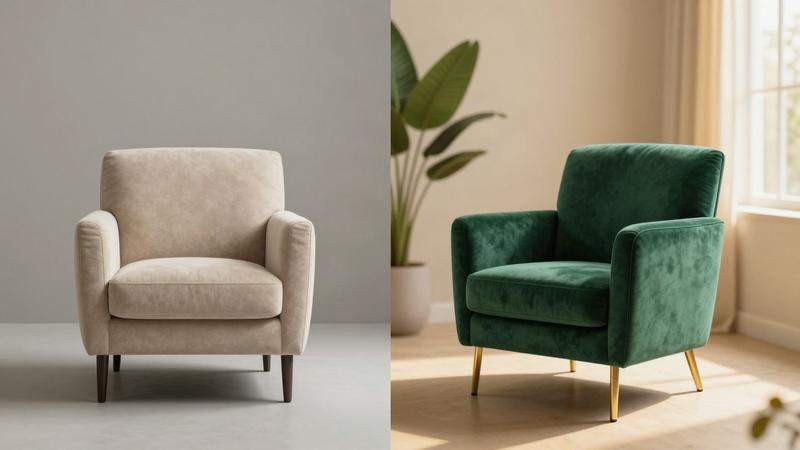
MAI-Image 2.7 Edit
Microsoft
flymyai/mai-image-2_7-editMicrosoft's editor: one to five pictures changed or combined from a plain instruction.
- Text to imagefrom $0.041 / run

FLUX 3 Image
Black Forest Labs
flymyai/flux-3-imageBlack Forest Labs' main image model: prompts, edits of up to ten pictures and web-checked subjects.
- Text to imagefrom $0.04 / image

Grok Imagine Image 2.0
xAI
flymyai/grok-imagine-image-2_0xAI's image model: prompts and edits of up to five pictures at 1k to 2k, with a medium quality setting.
- Image editingfrom $0.063 / run
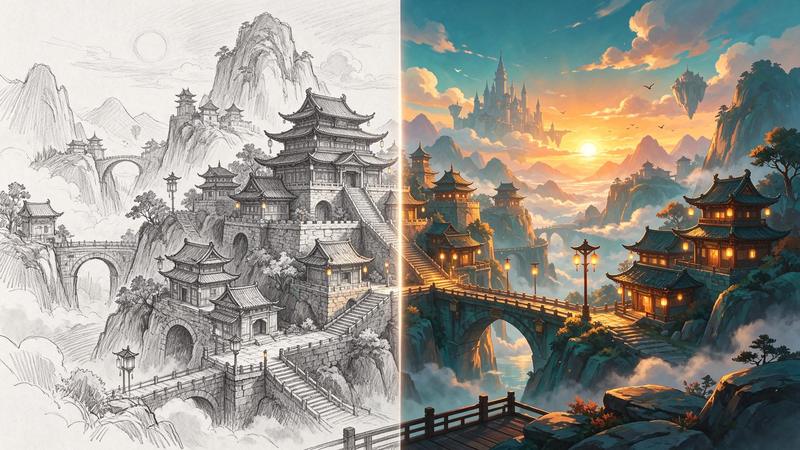
Kling Image V4 Edit
Kuaishou
flymyai/kling-image-v4-image-to-imageRestyle a photo, place a product in a new scene or merge subjects from up to ten images.
- Image editingfrom $0.0063 / run
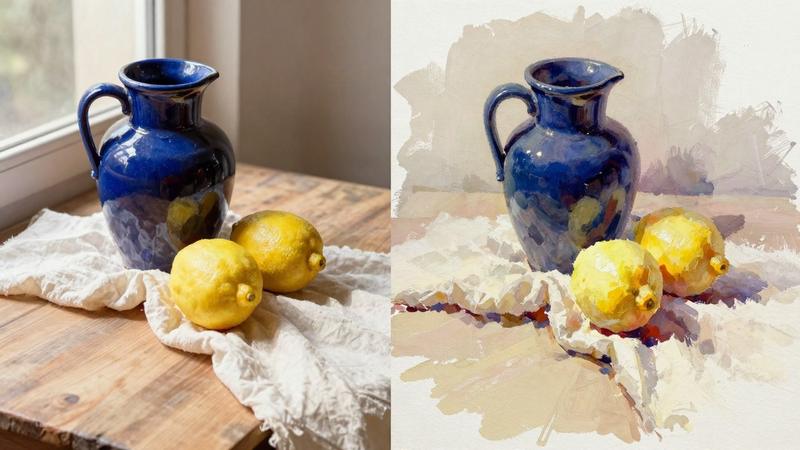
Krea 3 Edit
Krea
flymyai/krea-3-editKrea 3 for edits: up to eight pictures changed or combined from an instruction, billed per megapixel.
- Text to imagefrom $0.0229 / image
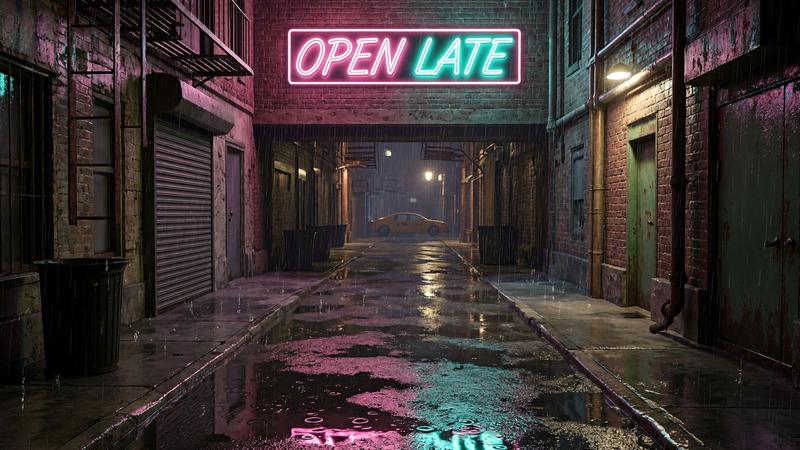
MiniMax H3 Image
MiniMax
flymyai/minimax-h3-imageMiniMax's H3 image model: 4K pictures in any shape from 1:3 to 3:1, and edits that combine up to 16 pictures.
- Image editing$0.01 / image
Muse Image Edit
Meta
flymyai/muse-image-editMeta's editor: precise changes that leave the rest of the picture alone, from up to ten pictures.
- Text to imagefrom $0.04 / image
Qwen Image 3.0 Pro
Alibaba
flymyai/qwen-image-3_0-proThe Pro tier of Qwen Image 3.0: newspaper pages, menus and storyboards built in one pass.
- Image editingfrom $0.009 / run

GPT Image 2.6 Edit
OpenAI
flymyai/gpt-image-2-6_editOpenAI's current editor: fix packaging text or swap a product while the rest stays put.
- Image editing$0.03 / image
Wan 2.7 Image Edit
Alibaba
flymyai/wan-2_7-editAlibaba's editor for local and style changes, with layout boxes and color palettes.
No model matches. Clear the search, or ask your agent: it picks a model for the job with recommend_model.
Ask your agent
Requests to paste once the FlyMy.AI MCP is connected; the agent picks one of these models and runs it.
Questions about clothes changer
Will the person's face stay the same?
Multi reference models such as Nano Banana Pro and Seedream keep faces and poses well; check the result before you publish it.
Can I use it for my online store?
Yes, with garment photos you own and models who agreed to it; check each model's license on its page.
What is the cheapest clothes changer model on FlyMy.AI?
Muse Image Edit by Meta: from $0.01 per image. Every price on this page comes from FlyMy.AI billing; a run is charged to your balance with no subscription or minimum.
Which clothes changer model do people run most?
Nano Banana 2.1 by Google was run by the most accounts in the last 30 days, then Seedream 5.0 Pro, Seedream 5.5.
More use cases
- AI image upscaler: upscale and enhance photos by API
- AI logo generator: logos and vector SVG from a prompt
- AI headshot generator: professional headshots from a selfie
- AI background changer: change a photo background
- AI poster generator: posters and flyers with legible text
- AI video upscaler: upscale video to 4K and beyond
- AI dubbing: translate and dub video in the speaker's voice
- Lip sync AI: lip sync videos and talking avatars
- AI ad generator: video ads and UGC from a prompt or a photo