Models / Use cases
AI background changer: change a photo background
Put the subject of a photo on a new background, from a clean studio to a city street, or split it into layers.
How a background change works here
Send the photo and describe the new background: "replace the background with a marble counter by a sunny window, keep the bottle as it is". Editing models keep the subject and redraw the scene around it, with matching light.
To keep the subject on its own, Seedream 5.5 Layers returns it as a transparent layer you can place anywhere.
Try:Image upscalerLogo generatorClothes changerHeadshotsBackground changerPosters and flyersVideo upscalerAI dubbingLip syncAd generator
- Text to imagefrom $0.0336 / image
Nano Banana 2.1
Google
flymyai/nano-banana-2_1Gemini's newest image model: 14 references, up to 4K, with adjustable thinking.
- Text to imagefrom $0.02 / run

Seedream 5.5
ByteDance
flymyai/bytedance-seedream-5_5ByteDance's newest Seedream: images and edits of up to 10 references that keep the rest steady.
- Text to imagefrom $0.1344 / image
Nano Banana Pro
Google
flymyai/nano-banana-proGemini 3 Pro Image for posters, packaging and logos where the words must be right.
- Image editingfrom $0.0349 / run
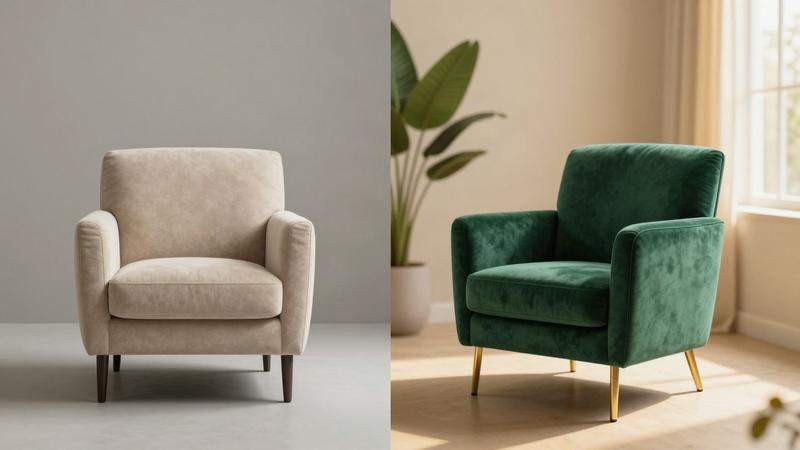
MAI-Image 2.7 Edit
Microsoft
flymyai/mai-image-2_7-editMicrosoft's editor: one to five pictures changed or combined from a plain instruction.
- Image editingfrom $0.02 / image
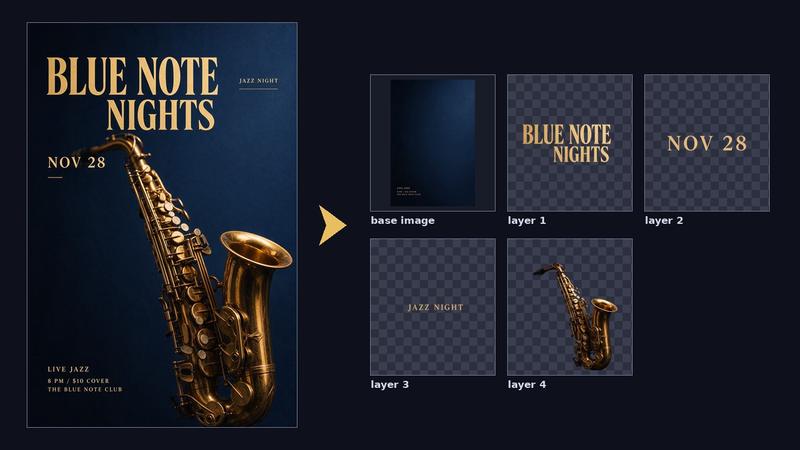
Seedream 5.5 Layers
ByteDance
flymyai/bytedance-seedream-5_5-layersSeedream 5.5 that takes a poster or banner apart: a base image plus transparent layers with names and boxes.
- Image editingfrom $0.009 / run

GPT Image 2.0 Edit
OpenAI
flymyai/gpt-image-2-0_editOpenAI's 2.0 editor, kept for pipelines that already depend on its output.
- Image editingfrom $0.009 / run

GPT Image 2.5 Edit
OpenAI
flymyai/gpt-image-2-5_editThe 2.5 Flare editor: swap a product, background or headline and leave the rest alone.
- Image editingfrom $0.008 / image
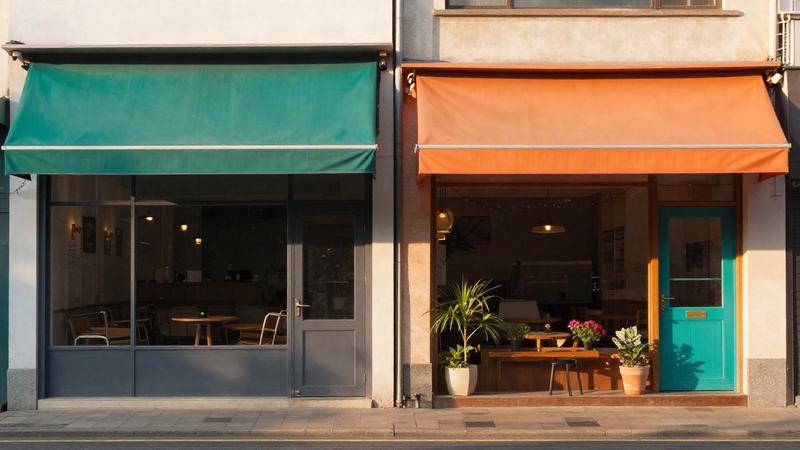
Ideogram 4.5 Edit
Ideogram
flymyai/ideogram-4_5-editIdeogram's editor: masked edits, text swaps and Precise Edit that keeps every untouched pixel.
- Image editingfrom $0.063 / run
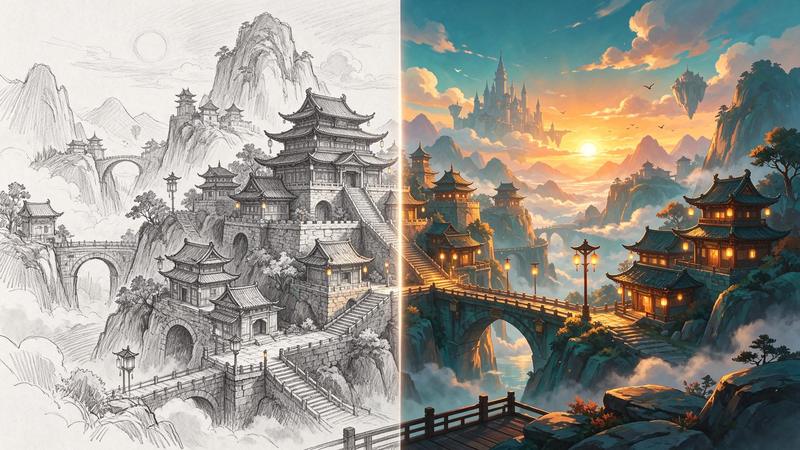
Kling Image V4 Edit
Kuaishou
flymyai/kling-image-v4-image-to-imageRestyle a photo, place a product in a new scene or merge subjects from up to ten images.
- Image editingfrom $0.0063 / run
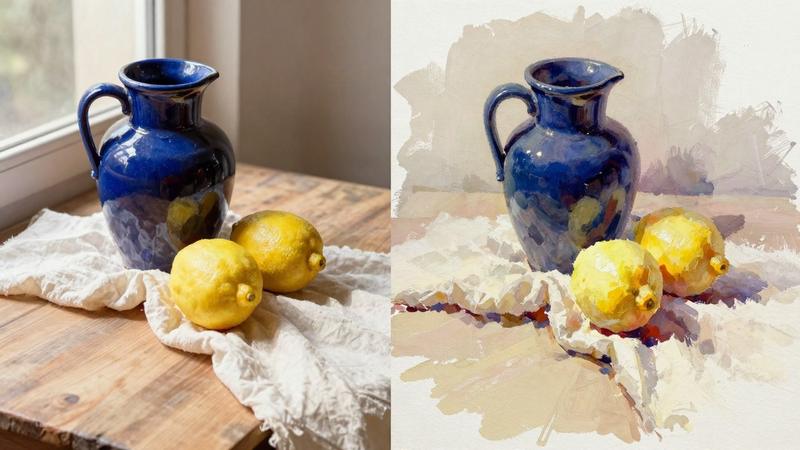
Krea 3 Edit
Krea
flymyai/krea-3-editKrea 3 for edits: up to eight pictures changed or combined from an instruction, billed per megapixel.
- Image editingfrom $0.0103 / run
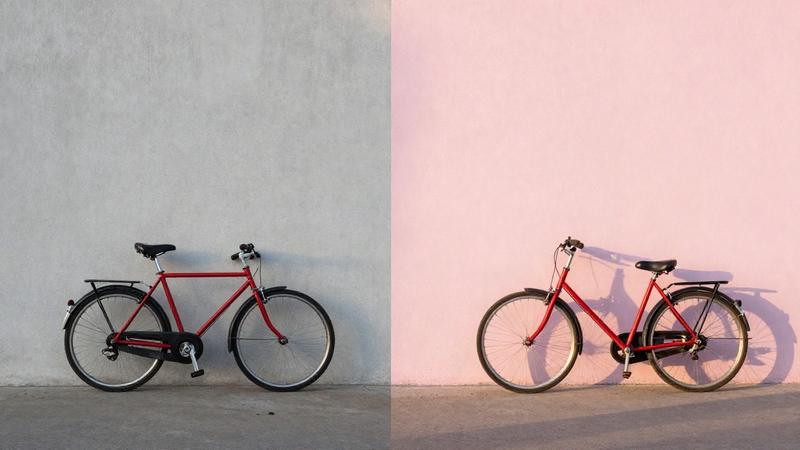
MAI-Image 2.7 Flash Edit
Microsoft
flymyai/mai-image-2_7-flash-editLow-cost edits of up to five pictures from an instruction, with the same shapes and sizes.
- Image editing$0.01 / image
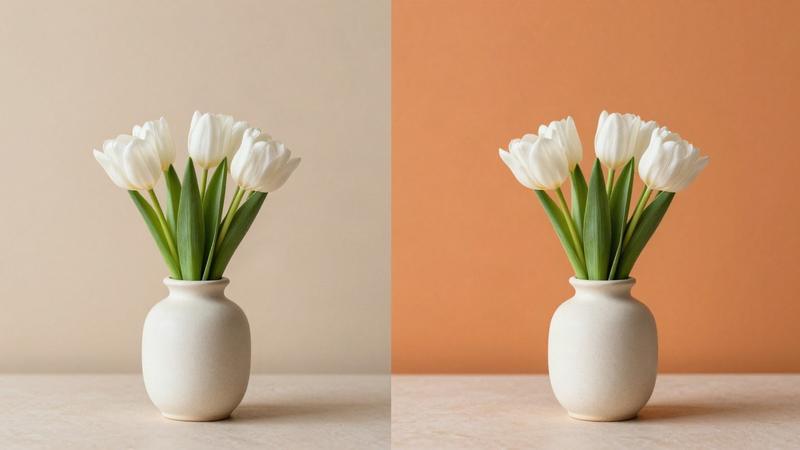
Muse Image Edit
Meta
flymyai/muse-image-editMeta's editor: precise changes that leave the rest of the picture alone, from up to ten pictures.
- Image editingfrom $0.009 / run

GPT Image 2.6 Edit
OpenAI
flymyai/gpt-image-2-6_editOpenAI's current editor: fix packaging text or swap a product while the rest stays put.
- Image editingfrom $0.009 / run

GPT Image 2.6 Sunburst Edit
OpenAI
flymyai/gpt-image-2-6-sunburst_editThe 2.6 precision editor for brand assets and retouching that must not drift.
- Image editingfrom $0.009 / run

GPT Image 2.5 Sunburst Edit
OpenAI
flymyai/gpt-image-2-5-sunburst_editThe 2.5 precision editor that holds composition steady across many rounds of changes.
- Image editing$0.03 / image
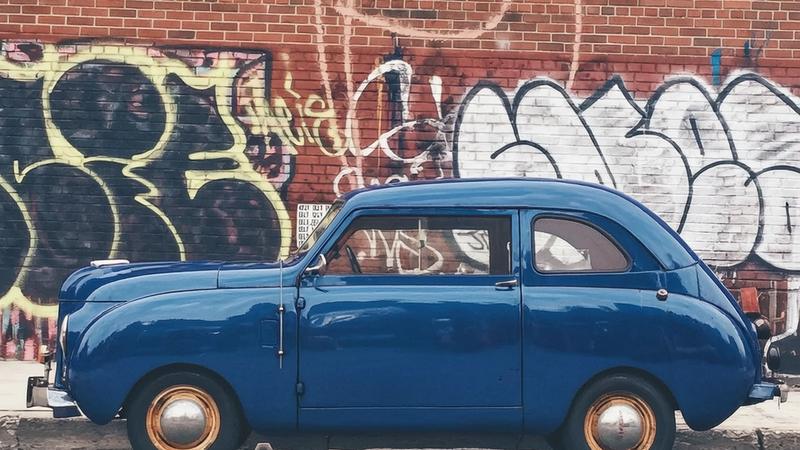
Wan 2.7 Image Edit
Alibaba
flymyai/wan-2_7-editAlibaba's editor for local and style changes, with layout boxes and color palettes.
- Image editing$0.08 / run
FLUX.1 Kontext Max
Black Forest Labs
flymyai/flux-kontext-maxThe top Kontext tier: demanding instruction edits and typography, or a new picture from a prompt.
- Image editing$0.04 / run
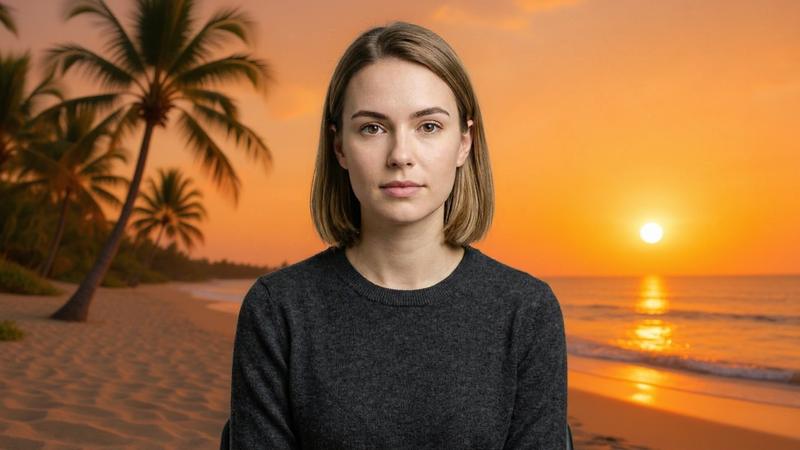
FLUX.1 Kontext Pro
Black Forest Labs
flymyai/flux-kontext-proBlack Forest Labs' everyday Kontext: edit a picture by instruction, or draw one from a prompt.
No model matches. Clear the search, or ask your agent: it picks a model for the job with recommend_model.
Ask your agent
Requests to paste once the FlyMy.AI MCP is connected; the agent picks one of these models and runs it.
Questions about background changer
Can it remove the background completely?
Seedream 5.5 Layers returns the subject as a transparent layer; editing models replace the background with the scene you describe.
Will the light match the new background?
Editing models relight the subject to fit the new scene; describe the light you want for more control.
What is the cheapest background changer model on FlyMy.AI?
Muse Image Edit by Meta: from $0.01 per image. Every price on this page comes from FlyMy.AI billing; a run is charged to your balance with no subscription or minimum.
Which background changer model do people run most?
Nano Banana 2.1 by Google was run by the most accounts in the last 30 days, then Seedream 5.5, Nano Banana Pro.
More use cases
- AI image upscaler: upscale and enhance photos by API
- AI logo generator: logos and vector SVG from a prompt
- AI clothes changer: virtual try on with image models
- AI headshot generator: professional headshots from a selfie
- AI poster generator: posters and flyers with legible text
- AI video upscaler: upscale video to 4K and beyond
- AI dubbing: translate and dub video in the speaker's voice
- Lip sync AI: lip sync videos and talking avatars
- AI ad generator: video ads and UGC from a prompt or a photo