Models / Image to video
Image to video AI: animate photos through one API
Image to video models start from your picture: they animate a photo, move between a first and a last frame, keep a character or product from reference images, or make a portrait speak an audio track. Compare price per second, resolution and length.
Try:Image upscalerLogo generatorClothes changerHeadshotsBackground changerPosters and flyersVideo upscalerAI dubbingLip syncAd generator
- Text to videofrom $0.08 / s
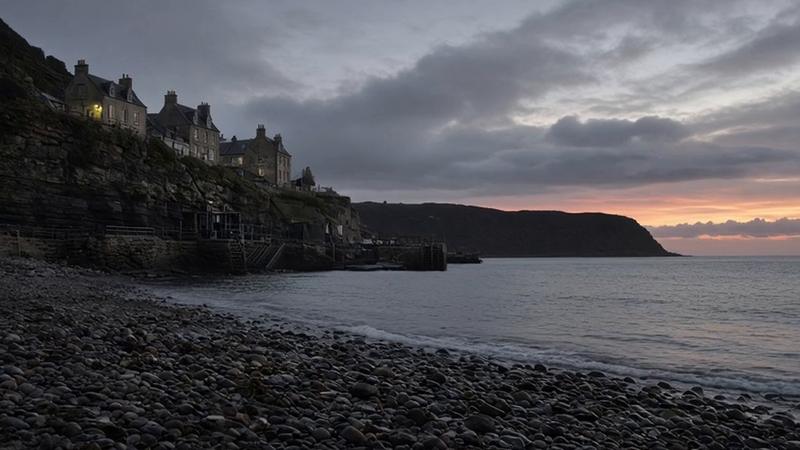
Grok Imagine Video 1.5
xAI
flymyai/grok-imagine-video-1_5xAI's video model: 1 to 15 seconds with lip-synced sound from text, a first frame or up to 14 references.
- Text to videofrom $0.80 / run
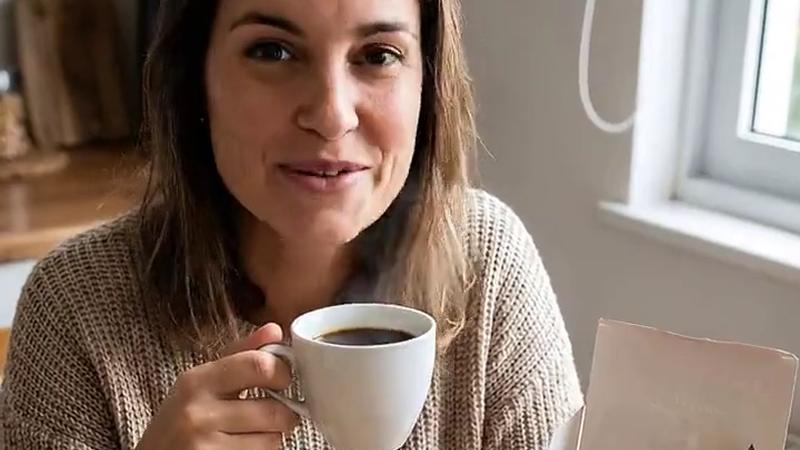
Veo 3.1
Google
flymyai/veo31-generateGoogle's flagship Veo 3.1 for motion-critical shots, with references and audio.
- Image to videofrom $0.05 / s
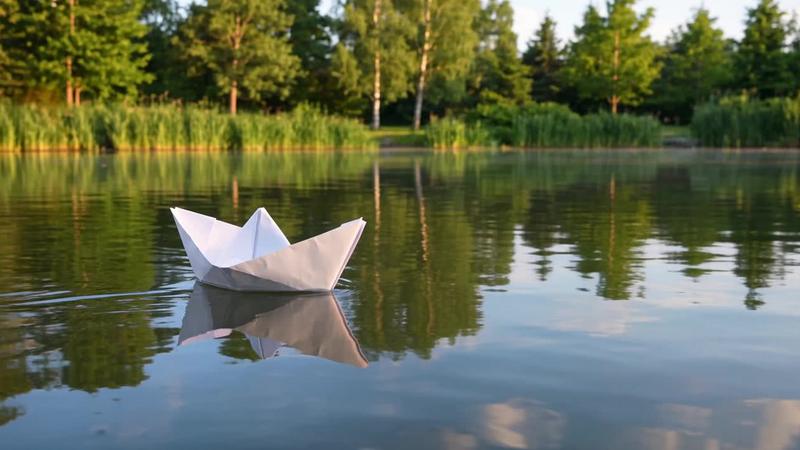
Wan 3.0 Reference to Video
Alibaba
flymyai/wan-3_0-ref2vWan 3.0 from references: the same cast, location and voice across 30 seconds.
- Image to videofrom $0.10794 / s
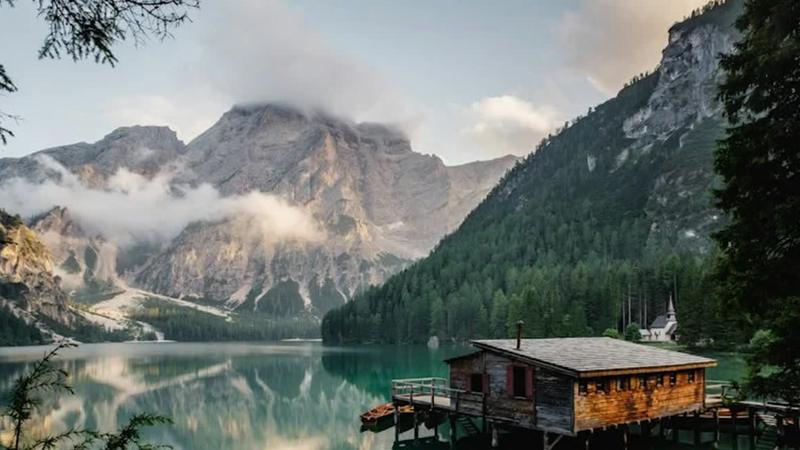
Seedance 2.5 Reference to Video
ByteDance
flymyai/bytedance-seedance-2_5-reference-to-videoSeedance 2.5 from many references: keep a cast consistent, or edit and extend a clip.
- Image to videofrom $0.10794 / s
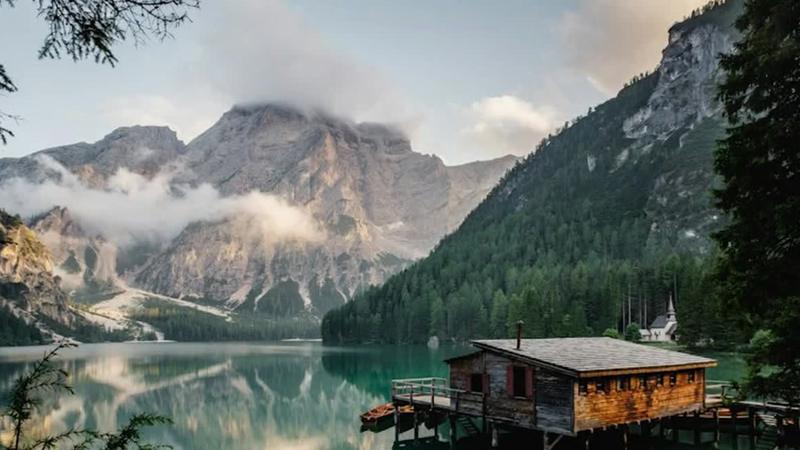
Seedance 2.5 Image to Video
ByteDance
flymyai/bytedance-seedance-2_5-image-to-videoSeedance 2.5 from a photo: up to 30 seconds, first-to-last-frame moves, real people allowed.
- Image to videofrom $0.05 / s
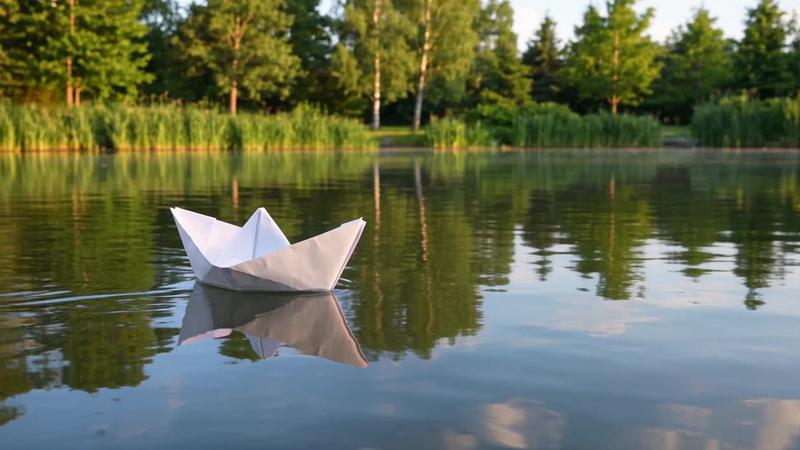
Wan 3.0 Image to Video
Alibaba
flymyai/wan-3_0-i2vWan 3.0 from your image: up to 30 seconds, adaptive framing and a soundtrack.
- Image to video$0.07 / s
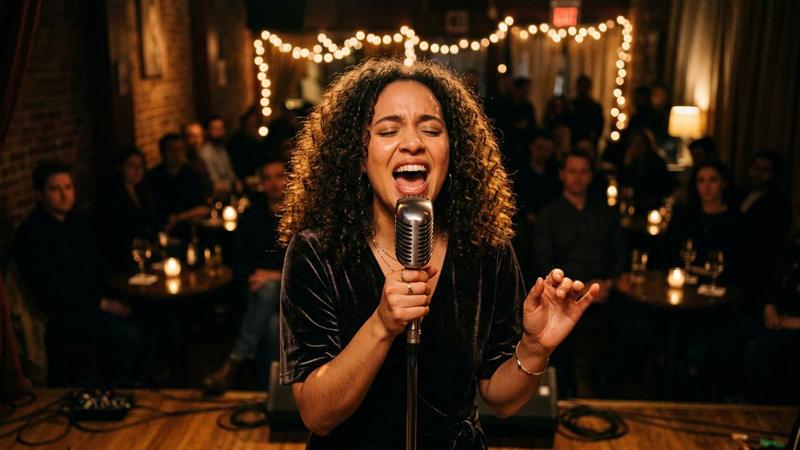
OmniHuman 2.0
ByteDance
flymyai/bytedance-omnihuman-2_0One photo plus a voice track: a presenter, singer or character that moves in sync.
- Text to videofrom $0.15 / s
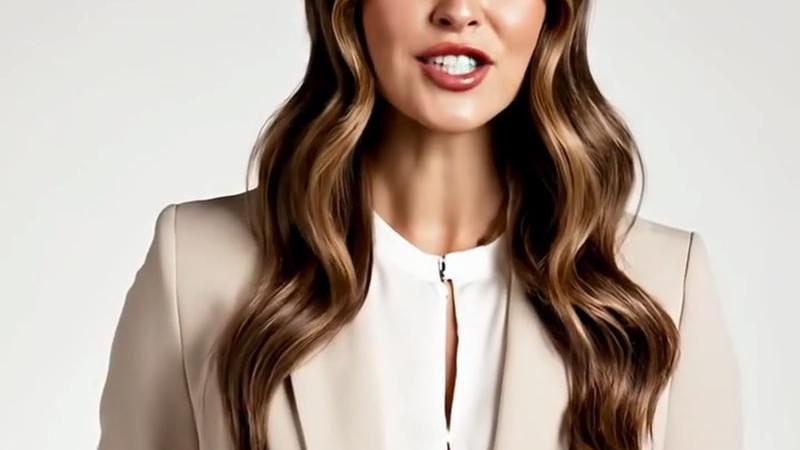
Veo 3.1 Fast
Google
flymyai/veo31-fast-generateVeo 3.1 at draft speed: first and last frames, references and audio for less.
- Image to videofrom $0.12 / run
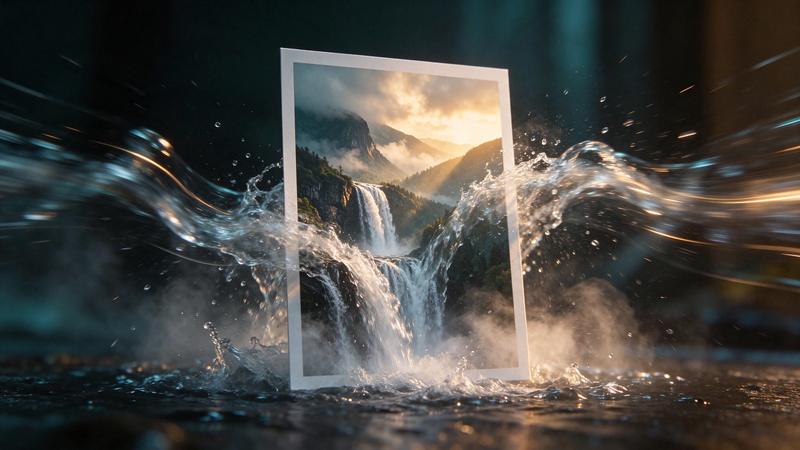
Veo 3.1 Lite Image to Video
Google
flymyai/veo-3_1-lite-image-to-videoBring a product shot or a portrait to life with Veo 3.1 at its low-cost tier.
- Image to videofrom $0.0673 / s
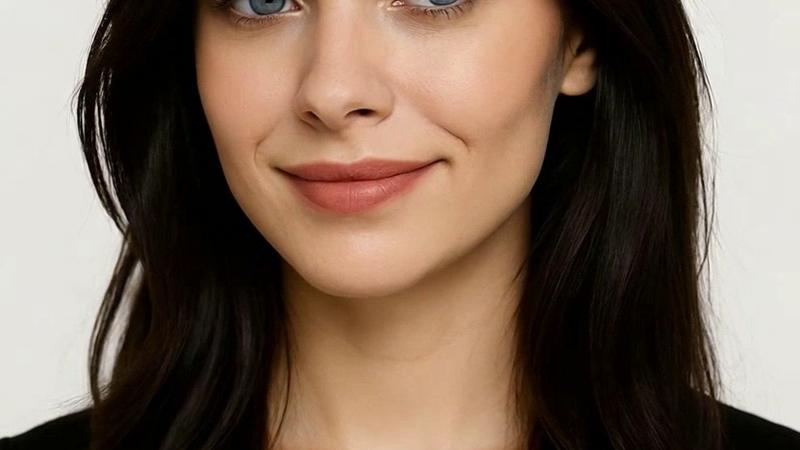
Seedance 2.0 Reference to Video
ByteDance
flymyai/bytedance-seedance-2_0-reference-to-videoSeedance 2.0 for brand and character consistency across a whole clip.
- Image to videofrom $0.157 / s
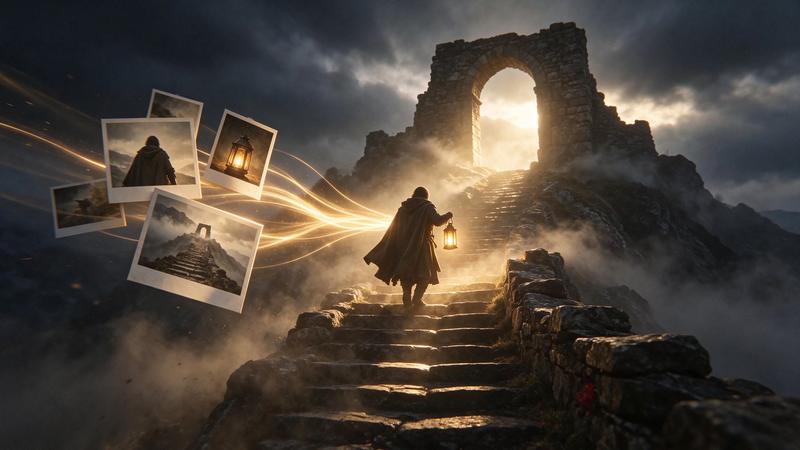
Kling 4.0 Reference to Video
Kuaishou
flymyai/kling-4_0-reference-to-videoUp to ten reference pictures kept consistent in a Kling 4.0 clip of up to 30 seconds.
- Image to videofrom $0.10 / s
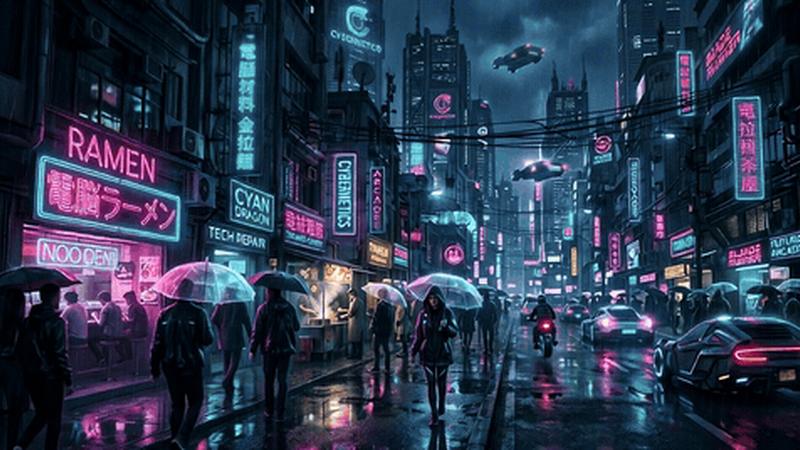
Wan 2.7 Image to Video
Alibaba
flymyai/wan-2_7-i2vWan 2.7 from a still: first-to-last-frame moves with natural motion.
- Image to videofrom $0.09 / s
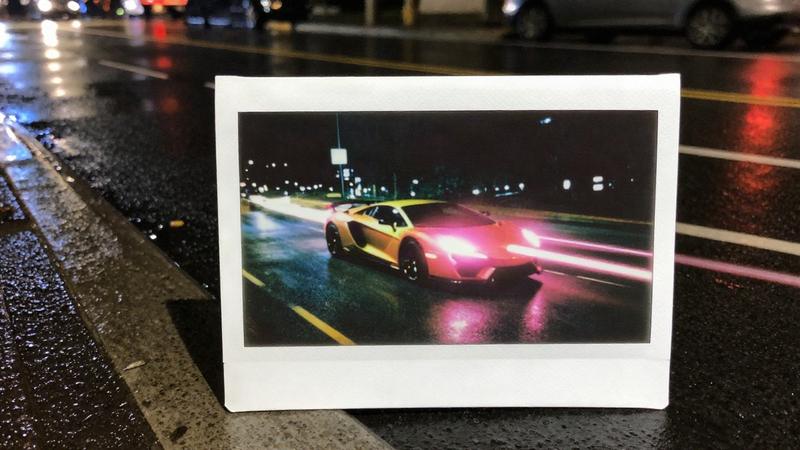
LTX 2.5 Fast Image to Video
Lightricks
flymyai/ltx-2_5-fast-image-to-videoLTX 2.5 speed mode for pictures: quick animations and two-frame transitions, up to 4K.
- Image to videofrom $0.0673 / s
Seedance 2.0 Image to Video
ByteDance
flymyai/bytedance-seedance-2_0-image-to-videoSeedance 2.0 from one keyframe: a still becomes a clip with motion and sound.
- Text to video$0.85 / run
Seedance 2.0 Fast
ByteDance
flymyai/bytedance-seedance-2_0-fastThe fast Seedance 2.0 on one endpoint: any input, a fixed price, quicker results.
- Image to videofrom $0.17 / s
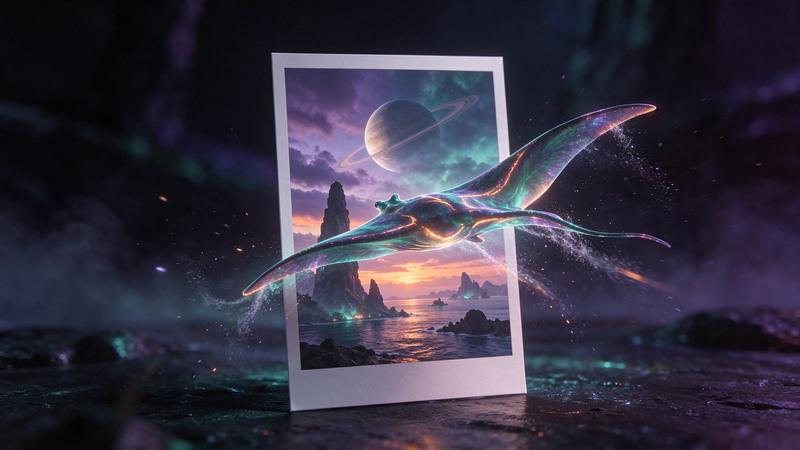
FLUX 3 Max Image to Video
Black Forest Labs
flymyai/flux-3-max-image-to-videoA FLUX 3 Max clip that starts on your photo, optionally ending on a second one.
- Image to videofrom $0.157 / s
Kling 4.0 Image to Video
Kuaishou
flymyai/kling-4_0-image-to-videoKling 4.0 from your picture, through a last frame and up to eight keyframes, with sound.
- Image to videofrom $0.0538 / s
Seedance 2.0 Fast Image to Video
ByteDance
flymyai/bytedance-seedance-2_0-fast-image-to-videoQuick Seedance 2.0 animation of one photo, for drafts at 480p or 720p.
- Image to videofrom $0.0538 / s
Seedance 2.0 Fast Reference to Video
ByteDance
flymyai/bytedance-seedance-2_0-fast-reference-to-videoQuick Seedance 2.0 drafts that keep a character or style from your references.
- Image to videofrom $0.024 / s
Gemini Omni 1.2 Flash Image to Video
Google
flymyai/gemini-omni-1_2-flash-i2vGemini Omni from a photo: native sound, first-to-last-frame moves, up to 4K.
- Image to videofrom $0.05 / s
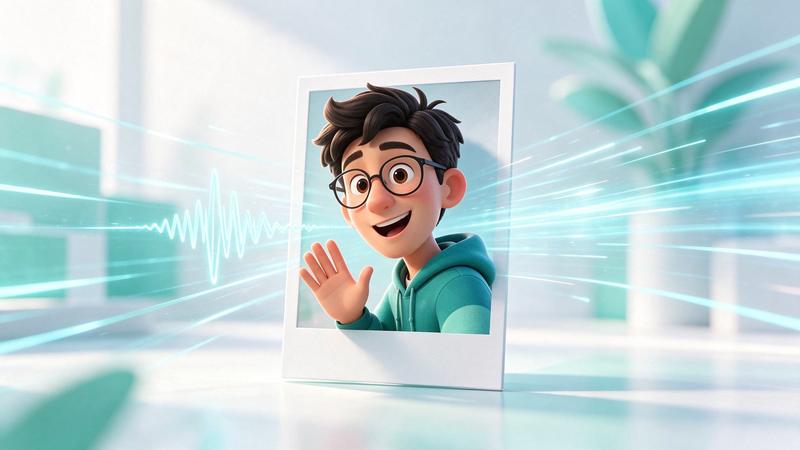
HeyGen Avatar 6 Turbo
HeyGen
flymyai/heygen-avatar-6-turbo-image-to-videoTalking-head videos in volume: a photo and a speech track at Avatar 6's lower tier.
- Image to videofrom $0.0315 / s
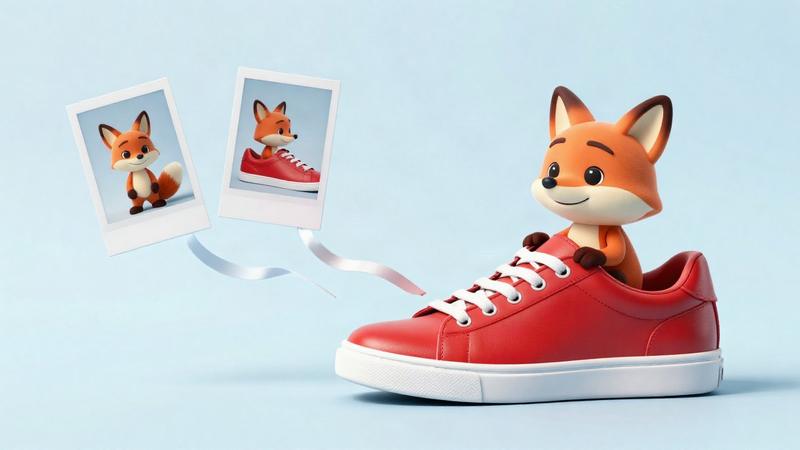
Vidu Q4 Reference to Video
Shengshu
flymyai/vidu-q4-reference-to-videoVidu Q4 with up to 12 reference pictures and 3 voices: characters and voices stay the same through the clip.
- Image to videofrom $0.10 / s
Wan 2.6 Image to Video
Alibaba
flymyai/wan-2_6-i2vThe previous Wan generation for animating a still at 720P or 1080P.
- Image to videofrom $0.15 / s

FLUX 3 Video Image to Video
Black Forest Labs
flymyai/flux-3-video-i2vFLUX 3 Video from your pictures: one image starts the clip, two set its ends, up to ten storyboard it.
- Image to videofrom $0.10 / s
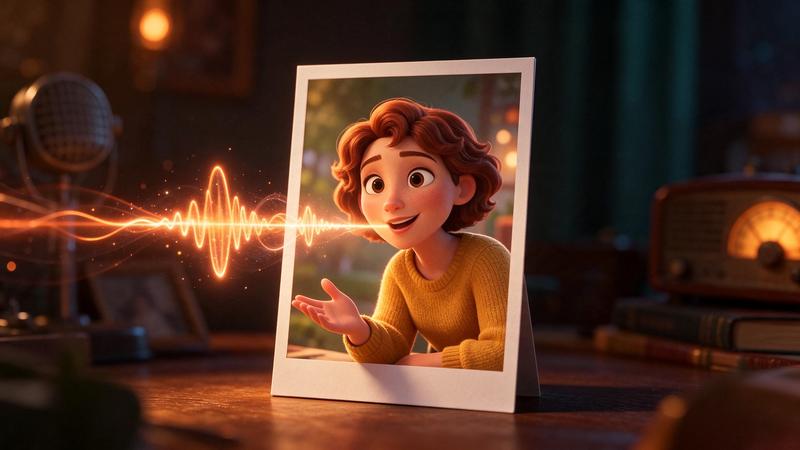
HeyGen Avatar 6
HeyGen
flymyai/heygen-avatar-6-image-to-videoHeyGen's avatar model: one photo and a voice recording become a presenter video.
- Image to videofrom $0.02 / s
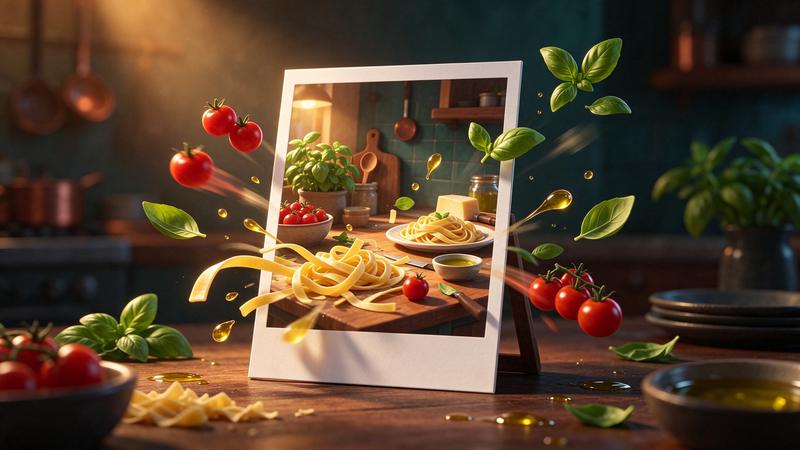
HeyGen Video 1 Image to Video
HeyGen
flymyai/heygen-video-1-image-to-videoA photo becomes the opening frame of a clip with sound, up to 30 seconds at 2K.
- Image to video$0.094 / s
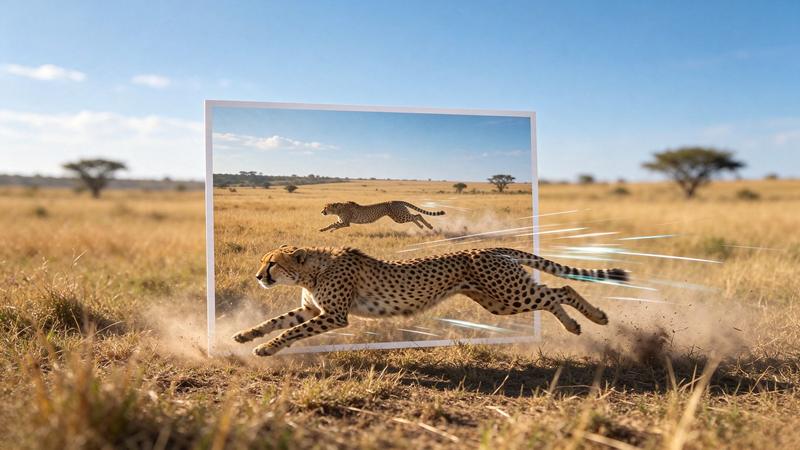
Kling 4.0 Flash Image to Video
Kuaishou
flymyai/kling-4_0-flash-image-to-videoA fast 720p Kling 4.0 clip from your picture, up to 20 seconds, sound included.
- Image to video$0.094 / s
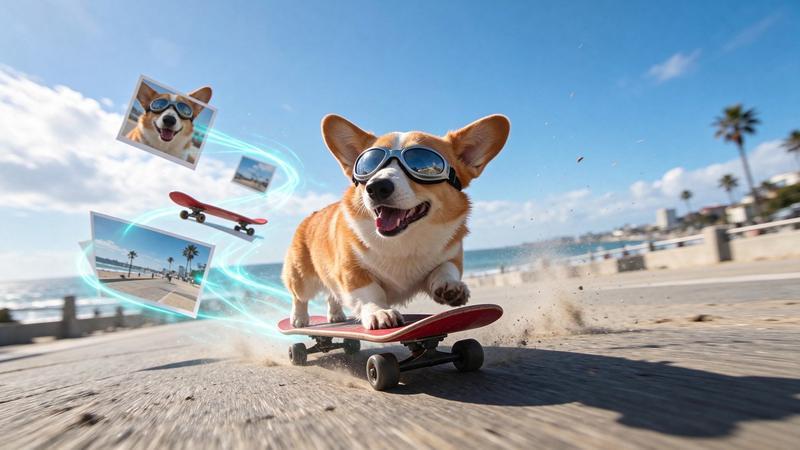
Kling 4.0 Flash Reference to Video
Kuaishou
flymyai/kling-4_0-flash-reference-to-videoFast Kling 4.0 clips that keep your characters and products from up to ten pictures.
- Text to video$0.13 / s
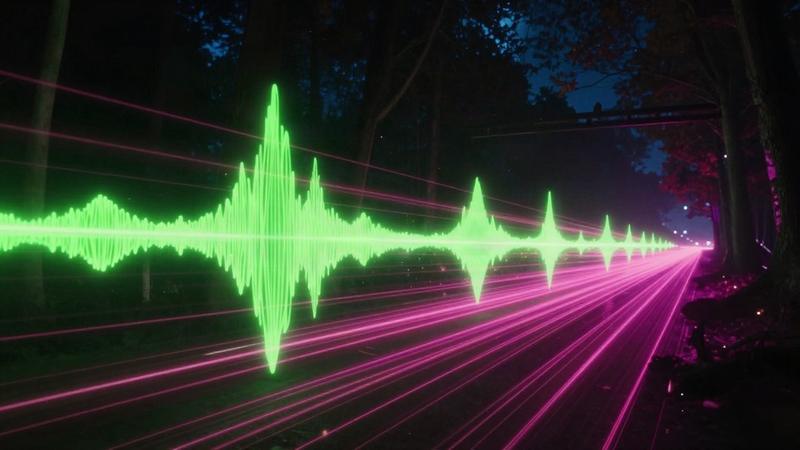
LTX 2.5 Fast Audio to Video
Lightricks
flymyai/ltx-2_5-fast-audio-to-videoLTX 2.5 speed mode for audio: clips of up to 20 seconds timed to your music or voice-over.
- Text to video$0.17 / s
LTX 2.5 Pro Audio to Video
Lightricks
flymyai/ltx-2_5-pro-audio-to-videoMusic-driven clips and dialogue-led shorts: LTX 2.5 times a final-quality video to your audio.
- Image to videofrom $0.12 / s
LTX 2.5 Pro Image to Video
Lightricks
flymyai/ltx-2_5-pro-image-to-videoLTX 2.5 Pro for pictures: a first frame, an optional last one, and sound in a single pass.
- Image to videofrom $0.05 / s
MiniMax H3 Max Camera Controls
MiniMax
flymyai/minimax-h3-max-camera-controlsOne picture and a camera that orbits, dollies or tilts: product reveals and turntables from a still.
- Image to videofrom $0.05 / s
MiniMax H3 Max Image to Video
MiniMax
flymyai/minimax-h3-max-image-to-videoBring a product shot, portrait or storyboard frame to life, with a last frame and a sound track of your own.
- Image to videofrom $0.05 / s
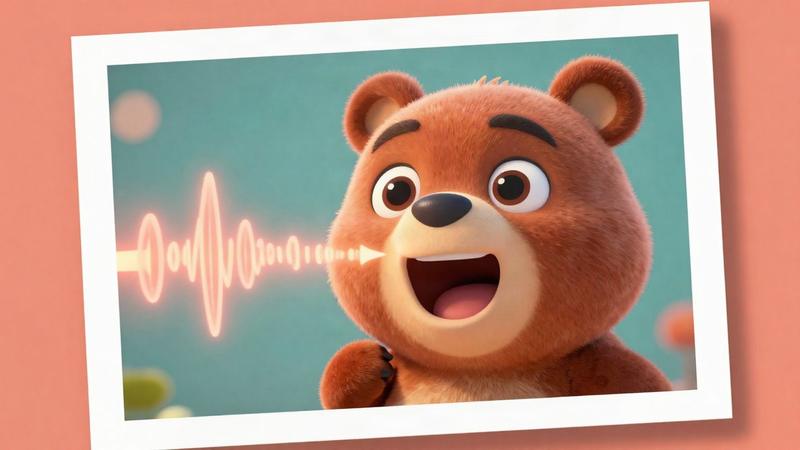
MiniMax H3 Max Lip Sync
MiniMax
flymyai/minimax-h3-max-lip-syncMiniMax's talking-picture model: a photo or a character and an audio track become a speaking video.
- Image to videofrom $0.05 / s
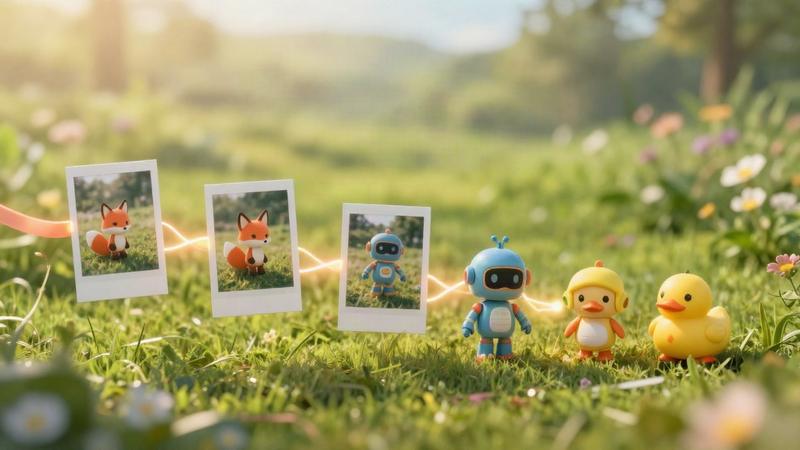
MiniMax H3 Max Reference to Video
MiniMax
flymyai/minimax-h3-max-reference-to-videoCharacters, products and places from up to nine pictures, kept consistent in a clip of up to 15 seconds.
- Image to videofrom $0.025 / s
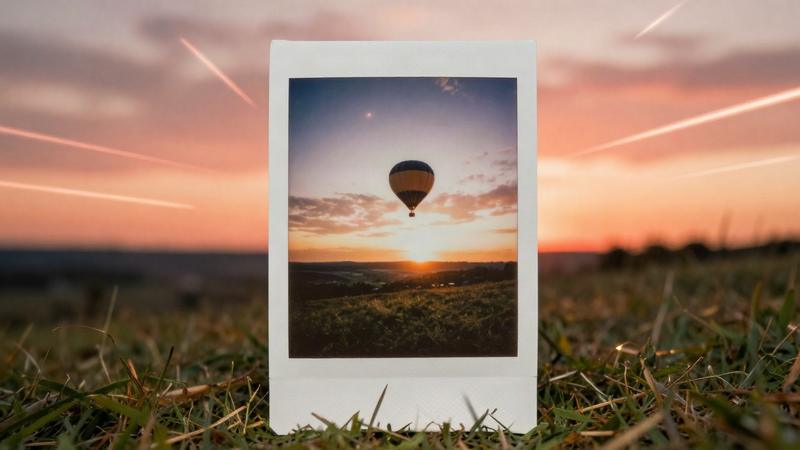
MiniMax H3 Max Turbo Image to Video
MiniMax
flymyai/minimax-h3-max-turbo-image-to-videoAnimate pictures in volume at half the price of H3 Max, with a last frame and sound.
- Image to videofrom $0.054 / s
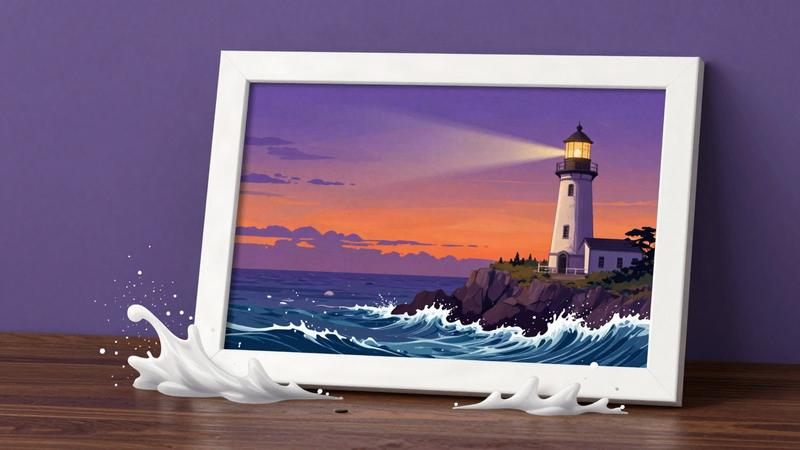
PixVerse V6 Max Image to Video
PixVerse
flymyai/pixverse-v6-max-image-to-videoPixVerse V6 Max for pictures: a first frame becomes a clip with optional sound and camera changes.
- Image to video$0.133333 / s
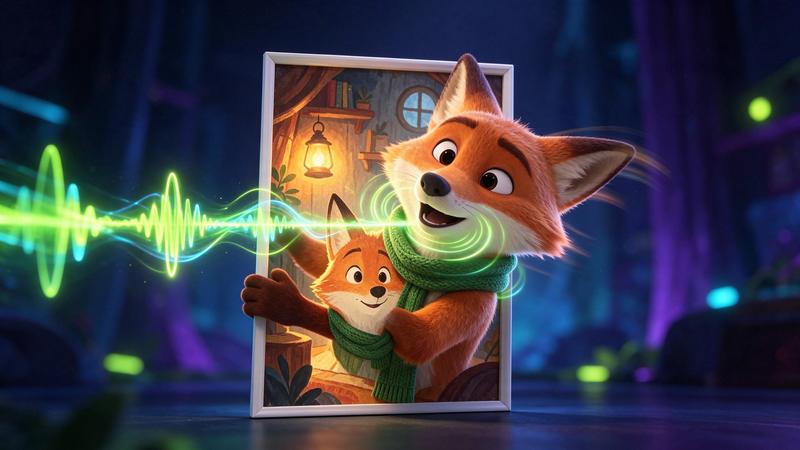
Sync Lipsync 3 Image to Video
sync. labs
flymyai/sync-3-image-to-videoGive a portrait, a mascot or a drawn character a voice from your audio track.
- Image to videofrom $0.0315 / s
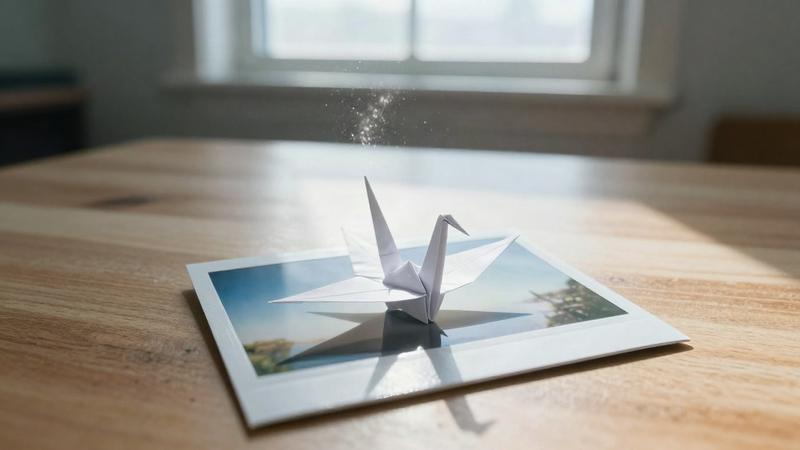
Vidu Q4 Image to Video
Shengshu
flymyai/vidu-q4-image-to-videoShengshu's Vidu Q4 animates a picture into a clip with speech and sound effects, up to 4K.
- Image to videofrom $0.024 / s
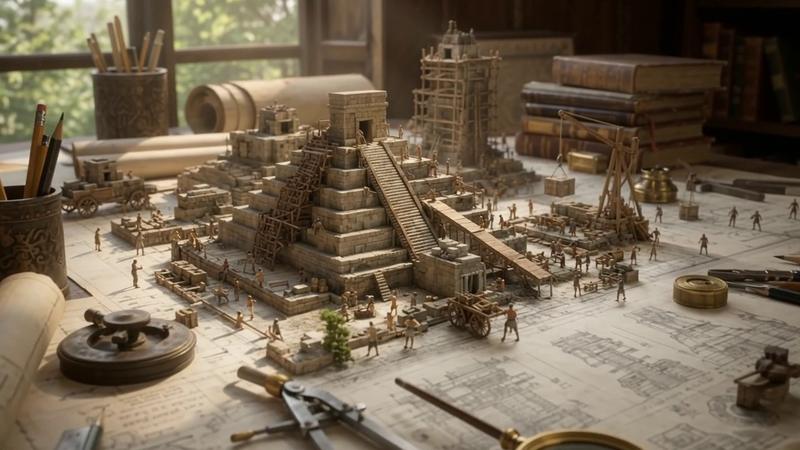
Gemini Omni 1.2 Flash Reference to Video
Google
flymyai/gemini-omni-1_2-flash-ref2vGemini Omni from references: two characters and their products, kept across the clip.
- Image to videofrom $0.084 / s
Kling 3.0 Image to Video
Kuaishou
flymyai/kling-3_0-i2vKuaishou's Kling 3.0 from a frame: keep the character, add a last frame and optional sound.
- Image to videofrom $0.08 / s
MiniMax H3 Image to Video
MiniMax
flymyai/minimax-h3-i2vMiniMax H3 from a frame: native 2K animation with audio, priced per second.
- Image to videofrom $0.10 / s
Wan 2.7 Reference to Video
Alibaba
flymyai/wan-2_7-ref2vWan 2.7 for keeping a character or style steady across a short clip.
- Image to videofrom $0.45 / run
PixVerse 5.5 Image to Video
PixVerse
flymyai/pix-verse55-i2vPixVerse 5.5: a photo becomes a 5 to 10 second clip at up to 1080p.
- Image to videofrom $0.28 / run
MiniMax Hailuo 2.3
MiniMax
flymyai/minimax-hailuo-23MiniMax Hailuo 2.3: dance, flips and micro-expressions from a single frame.
- Image to videofrom $0.19 / run
MiniMax Hailuo 2.3 Fast
MiniMax
flymyai/minimax-hailuo-23-fastThe quick Hailuo 2.3 for batches: smooth 1080P motion from one frame.
- Text to videofrom $0.10 / run
MiniMax Hailuo 02
MiniMax
flymyai/minimax-hailuo-02MiniMax's Hailuo 02: lively motion from a prompt or a first frame, up to native 1080P.
- Text to video$1.10 / run
Seedance 2.0
ByteDance
flymyai/bytedance-seedance-2_0Seedance 2.0 with every input on one endpoint and one fixed price per run.
- Image to videofrom $0.17 / run
Seedance 1.0 Lite Image to Video
ByteDance
flymyai/bytedance-seedance-lite-i2vLow-cost first-generation Seedance for animating product and social photos.
- Text to videofrom $0.24 / run
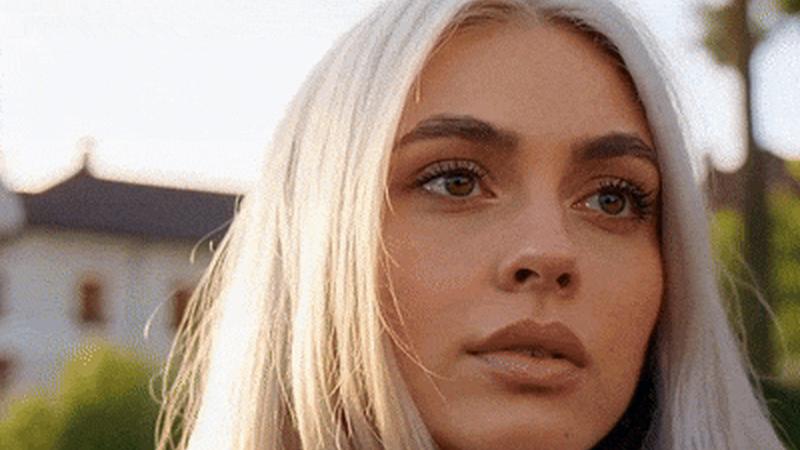
Seedance 1.0 Pro
ByteDance
flymyai/bytedance-seedance-proFirst-generation Seedance Pro: smooth multi-shot clips with first and last frames.
No model matches. Clear the search, or ask your agent: it picks a model for the job with recommend_model.
How to choose an image to video model
For one picture brought to life, any image to video model works; for a shot that must end on a given frame, pick a model with a last frame input.
To keep the same person, mascot or product across clips, use a reference to video model and send several pictures of it. For a talking presenter from a headshot and a voice track, use a talking video model such as OmniHuman or HeyGen Avatar.
Use only photos of people who agreed to it and pictures you have the right to use.
Questions about image to video models
What is the cheapest image to video model on FlyMy.AI?
HeyGen Video 1 Image to Video by HeyGen: from $0.02 per second. Every price on this page comes from FlyMy.AI billing; a run is charged to your balance with no subscription or minimum.
Which image to video model do people run most?
Grok Imagine Video 1.5 by xAI was run by the most accounts in the last 30 days, then Veo 3.1, Wan 3.0 Reference to Video.
Can I call every image to video model with one API key?
Yes. Each of these 50 models answers at https://api.flymy.ai/api/v1/flymyai/<model>/ with your FlyMy.AI key in the X-API-KEY header, and the same key runs them in the playground and through the FlyMy.AI MCP. You need no account or key with any model's maker.
Can an AI assistant pick and run the model for me?
Yes. Connect the FlyMy.AI MCP to Claude Code, Codex, Cursor or another assistant and describe the job: it lists the models with list_media_models or recommend_model, reads the inputs with get_model_schema and runs the one it picks with run_model.