Models / Image to 3D
Meshy 7.1 Multi-Image to 3D - API, Playground & Pricing
Meshy 7.1 builds one textured 3D model from up to four photos of the same object taken from different angles, and can rig a humanoid character. Run it in the playground, call its API, or let Claude Code, Codex or Cursor run it through one FlyMy.AI MCP. No Meshy API key: runs are billed to your FlyMy.AI balance.
- Provider
- Meshy
- Category
- Image to 3D / Multi-view to 3D
- Price
- from $0.80 / run ($1.20 at the defaults)
- Returns
model,fbx,preview,rigged_model- Commercial use
- Allowed
- Model ID
flymyai/meshy-7_1-multi-image-to-3d
$ YOUR NEXT RUN
 Any agent
Use Meshy 7.1 Multi-Image to 3D in your assistant
Paste this prompt into Claude Code, Codex, Cursor or any agent. It reads the guide and helps you connect.
Read https://flymy.ai/skill.md and https://flymy.ai/models/meshy-7-1-multi-image-to-3d.md. Help me connect the FlyMy.AI MCP to this assistant, then run Meshy 7.1 Multi-Image to 3D (flymyai/meshy-7_1-multi-image-to-3d) for this task: Build one textured 3D model with Meshy 7.1 Multi-Image to 3D from my front, left, back and right photos of a leather backpack.
What Meshy 7.1 Multi-Image to 3D does
Send images, one to four links or uploads of the same object. The texture can follow texture_prompt, texture_image_url or up to four texture_image_urls. should_texture, enable_pbr, texture_model, topology, target_polycount, symmetry_mode, should_remesh and pose_mode work as in Meshy 7.1 Image to 3D, and enable_rigging and enable_animation rig and animate a humanoid character. Outputs: model (GLB), fbx and preview.
Guide: AI 3D model generator API: Tripo, Meshy and Hunyuan 3D
Meshy 7.1 Multi-Image to 3D inputs
Every input of flymyai/meshy-7_1-multi-image-to-3d as its live schema lists them. Returns model (array), fbx (array), preview (array), rigged_model (array), rigged_fbx (array), walking (array), running (array), animation (array).
| Input | Type, values and default |
|---|---|
# images | string required One to four pictures of the same object from different angles, links or uploads (JPG, PNG, AVIF or HEIF) |
# should_texture | boolean optional Default: true Paint the model with textures ($1.20); off gives an untextured mesh ($0.80) |
# enable_pbr | boolean optional Default: false Add PBR maps (metallic, roughness, normal) to the base color, at no extra cost |
# texture_model | string optional Allowed: meshy-7, meshy-n1 The texturing model, at the same price: meshy-7 (the default) or meshy-n1 (a 2K base color from the pictures only: no PBR, no texture_prompt) |
# texture_prompt | string optional Describe the look of the textures, up to 800 characters |
# texture_image_url | file optional Allowed: image file, as a URL or upload A picture whose look the textures follow: a link or an upload |
# texture_image_urls | string optional One to four views that guide only the texture, the front first; not with texture_prompt or texture_image_url |
# topology | string optional Allowed: triangle, quad Default: triangle triangle (more detail) or quad (an even mesh, easier to edit) |
# target_polycount | integer optional Allowed: 100 to 300000 Default: 30000 Target number of polygons, 100-300000 |
# symmetry_mode | string optional Allowed: auto, on, off Default: auto auto finds the symmetry, on enforces it, off ignores it |
# should_remesh | boolean optional Default: true Clean up the mesh after it is made; off returns the raw triangle mesh |
# pose_mode | string optional Allowed: a-pose, t-pose a-pose or t-pose for a character you will rig; left out, no set pose |
# enable_rigging | boolean optional Default: false Rig the model as a humanoid character, with walking and running clips (+$0.20); best for a character with clearly separated limbs |
# rigging_height_meters | number optional Allowed: 0.01 to 100 Default: 1.7 The character's approximate height in meters, to scale the rig |
# skeleton_template | string optional Allowed: mixamo, ue5_mannequin, unity_humanoid, maya_human_ik, blender_rigify_basic_human, max_biped, cc5_hd_neutral_base, daz_genesis9, meshyrig The skeleton of the rig, for your engine or tool: mixamo, ue5_mannequin, unity_humanoid, maya_human_ik, blender_rigify_basic_human, max_biped, cc5_hd_neutral_base, daz_genesis9, meshyrig; Meshy's own meshyrig when left out |
# include_fingers | boolean optional Default: false Rig the fingers too |
# enable_animation | boolean optional Default: false Animate the rigged character with one preset of Meshy's animation library (+$0.12); needs enable_rigging |
# animation_action_id | integer optional Allowed: 0 to 696 Default: 92 The animation preset, 0-696 (0 is Idle); the list is at docs.meshy.ai/en/api/animation-library |
Ask your agent
Requests to paste as they are, once the FlyMy.AI MCP is connected.
flymyai/meshy-7_1-multi-image-to-3dflymyai/meshy-7_1-multi-image-to-3dflymyai/meshy-7_1-multi-image-to-3dMeshy 7.1 Multi-Image to 3D price
From $0.80 per run, depending on should_texture, enable_rigging and enable_animation. A run at the default settings costs $1.20. A run costs $0.80 to $1.52, depending on should_texture and enable_rigging and enable_animation. Billed to your FlyMy.AI balance; no seats, no subscription and no minimum.
Meshy 7.1 Multi-Image to 3D vs similar models
Popular image to 3D models beside it, with prices from billing and settings from each live schema.
| Model | Provider | Kind | Price | Default run | Resolution |
|---|---|---|---|---|---|
| Meshy 7.1 Multi-Image to 3D | Meshy | Multi-view to 3D | from $0.80 / run | $1.20 | |
| Hi3D v3.0 Image to 3D | Hitem3D | Image to 3D | from $1.80 / run | $2.10 | 2048quality, 2048master |
| Hi3D v3.0 Multiview to 3D | Hitem3D | Multi-view to 3D | from $1.80 / run | $2.10 | 2048quality, 2048master |
| Meshy 7.1 Image to 3D | Meshy | Image to 3D | from $0.80 / run | $1.20 |
Meshy 7.1 Multi-Image to 3D API
The same model from your own code or from an agent. Send your FlyMy.AI API key in the X-API-KEY header; get a key in your account.
cURL
Form fields, not JSON; files go as uploads or public URLs. The answer is a prediction_id; read the result at https://api.flymy.ai/api/v1/flymyai/meshy-7_1-multi-image-to-3d/predict/async/result/?request_id=<prediction_id>.
curl -X POST https://api.flymy.ai/api/v1/flymyai/meshy-7_1-multi-image-to-3d/predict/async/ \
  -H "X-API-KEY: $FLYMYAI_API_KEY" \
-F 'images=["https://example.com/front.jpg", "https://example.com/back.jpg"]'Python
The FlyMy.AI SDK sends the same fields; a file input also takes a public URL.
# pip install flymyai
import os

from flymyai import client

fma = client(apikey=os.environ["FLYMYAI_API_KEY"])
task = fma.predict_async_task(
    model="flymyai/meshy-7_1-multi-image-to-3d",
    payload={
        "images": [
            "https://example.com/front.jpg",
            "https://example.com/back.jpg"
        ]
    },
)
# a long run: wait for its result (up to 15 minutes here)
result = task.result(timeout=900)
print(result.inference_responses[0].output_data)JavaScript / TypeScript
The FlyMy.AI SDK sends the same fields; a file input also takes a public URL.
// npm install flymyai-js-client
import { FlyMyAI } from "flymyai-js-client";

const client = new FlyMyAI({ apiKey: process.env.FLYMYAI_API_KEY });
const response = await client.predict(
  {
    "images": [
      "https://example.com/front.jpg",
      "https://example.com/back.jpg"
    ]
  },
  "flymyai/meshy-7_1-multi-image-to-3d",
);
console.log(response.output_data);MCP
Your agent calls get_model_schema, then run_model with:
{
  "endpoint_id": "flymyai/meshy-7_1-multi-image-to-3d",
  "input": {
    "images": [
      "https://example.com/front.jpg",
      "https://example.com/back.jpg"
    ]
  }
}Questions about Meshy 7.1 Multi-Image to 3D
Do I need a Meshy API key for Meshy 7.1 Multi-Image to 3D?
No. Meshy 7.1 Multi-Image to 3D runs on FlyMy.AI's account, so you need no Meshy key or plan: sign in to FlyMy.AI once and each run is billed to your FlyMy.AI balance.
How much does Meshy 7.1 Multi-Image to 3D cost?
From $0.80 per run, depending on should_texture, enable_rigging and enable_animation. There is no subscription or minimum; the price comes from FlyMy.AI billing and was checked on 2026-11-18.
Can I try Meshy 7.1 Multi-Image to 3D before I write code?
Yes. Open Meshy 7.1 Multi-Image to 3D in the FlyMy.AI playground at https://app.flymy.ai/models/flymyai/meshy-7_1-multi-image-to-3d, fill in its inputs and run it; the same run is one API call later, billed the same way.
How do I use Meshy 7.1 Multi-Image to 3D in Claude Code, Codex or Cursor?
Add the FlyMy.AI MCP with one command and sign in, then ask in plain words, for example: "Build one textured 3D model with Meshy 7.1 Multi-Image to 3D from my front, left, back and right photos of a leather backpack." Your agent reads the inputs with get_model_schema and runs flymyai/meshy-7_1-multi-image-to-3d with run_model.
What does Meshy 7.1 Multi-Image to 3D need as input?
Meshy 7.1 Multi-Image to 3D requires images; it also takes 17 optional inputs, each listed on this page with its allowed values and default.
Can I call Meshy 7.1 Multi-Image to 3D from my own code?
Yes. Send form fields to https://api.flymy.ai/api/v1/flymyai/meshy-7_1-multi-image-to-3d/predict/async/ with your FlyMy.AI API key in the X-API-KEY header.
More 3D generation models
Turn a photo, several views or a prompt into a textured 3D model, rig a character for animation, give a model new textures, split it into parts or rebuild its mesh.
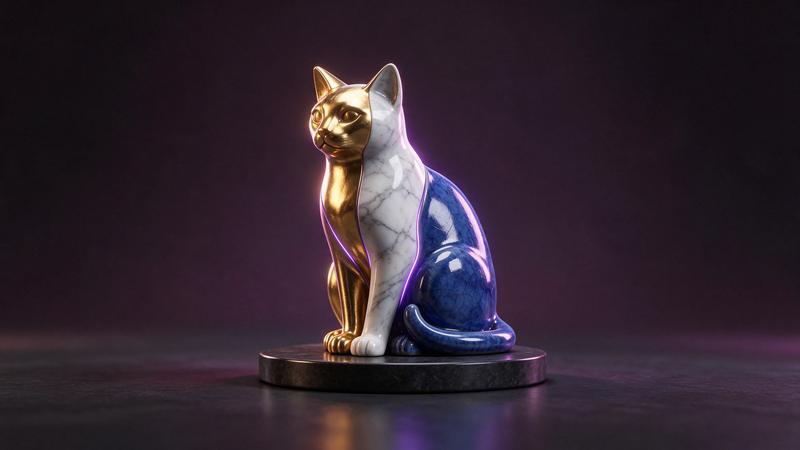
Meshy 7 Retexture
Same mesh, new look: restyle any 3D model from a prompt or a picture, up to 8K.
3D retexturing / from $0.30 / run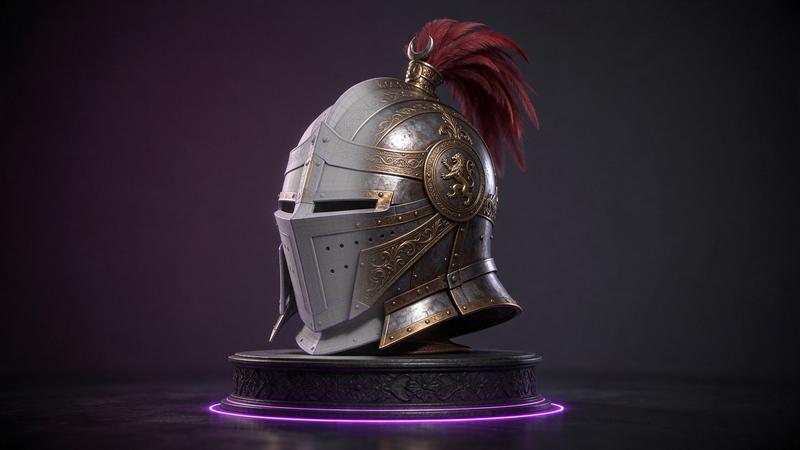
Meshy 7.1 Image to 3D
A detailed GLB and FBX from one photo, with a rigged, animated character on request.
Image to 3D / from $0.80 / run
Meshy 7.1 Text to 3D
Meshy's latest model from a prompt: a textured GLB and FBX, with a cheaper preview mode.
Text to 3D / from $0.80 / run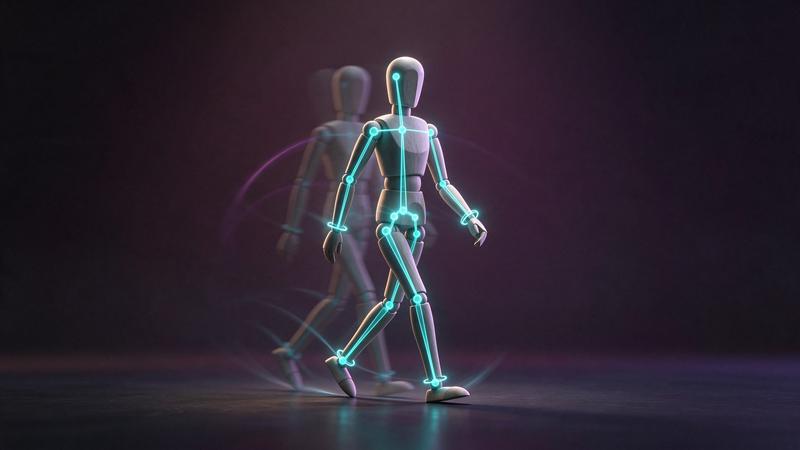
Meshy Rigging
A skeleton for your humanoid character, with walk and run clips for your engine.
3D rigging / from $0.20 / run
Meshy Rigging Multi-Animation
Rig a humanoid once and bake up to ten Meshy library animations in one call, one clip per id.
3D rigging / $0.32 / run
Meshy T2.5 Image to 3D
Meshy's Smart Topology from a photo: light meshes with separated parts for real time.
Image to 3D / from $0.20 / runGo to the source
From the FlyMy.AI model catalog of 2026-11-18: inputs from each model's live schema, prices from FlyMy.AI billing. Requests are examples to paste, not recorded runs.