MCP / Models / Image editing
Topaz Image Upscale Generative MCP: rebuild detail at 4x
Topaz Labs' generative upscalers rebuild detail that is not in a small or blurry picture while enlarging it up to 4x on each side. Run it from Claude Code, Codex, Cursor or any MCP client through one FlyMy.AI MCP, or call its API.
$ YOUR NEXT RUN
 Any agent
Use Topaz Image Upscale Generative in your assistant
Paste this prompt into Claude Code, Codex, Cursor or any agent. It reads the guide and helps you connect.
Read https://flymy.ai/skill.md and https://flymy.ai/mcp/models/topaz-image-upscale-generative.md. Help me connect the FlyMy.AI MCP to this assistant, then run Topaz Image Upscale Generative (flymyai/topaz-image-upscale-generative) for this task: Upscale the image I attach 4x with Topaz Image Upscale Generative and send me the link.
What Topaz Image Upscale Generative does
Send image, a PNG or JPEG of up to 50 MB. model picks Wonder 3 (the default), Wonder 3.5, Wonder 2, Wonder, Recover 3, Standard MAX, Redefine, Recovery V2 or Recovery; upscale_factor runs from 1 to 4 (2 by default). Redefine follows prompt with creativity and texture, Wonder takes enhancement_strength, and face_enhancement restores faces. The result holds up to 100 megapixels as JPEG or 50 as PNG. It is billed by the size of the upscaled picture, in started blocks of megapixels, with a smaller block for the models other than Wonder 3 and 3.5. It may invent detail, does not change what the picture shows and does not upscale video.
Topaz Image Upscale Generative inputs
Every input of flymyai/topaz-image-upscale-generative as its live schema lists them. Returns image (array).
| Input | Type, values and default |
|---|---|
# image | file required Allowed: image file, as a URL or upload The picture to upscale: a link or an upload, PNG or JPEG, up to 50 MB. The price follows its size: $0.08 per started 8 megapixels with Wonder 3 or 3.5 and per started 4 megapixels with the other models of the upscaled picture (width x height x upscale_factor squared), which may hold up to 100 megapixels as JPEG or 50 as PNG and 32,000 pixels a side |
# model | string optional Allowed: Wonder 3, Wonder 3.5, Wonder 2, Wonder, Recover 3, Standard MAX, Redefine, Recovery V2, Recovery Default: Wonder 3 Wonder 3 or Wonder 3.5 ($0.08 per started 8 MP of output); Wonder 2, Wonder, Recover 3, Standard MAX, Redefine, Recovery V2 or Recovery ($0.08 per started 4 MP) |
# upscale_factor | number optional Allowed: 1 to 4 Default: 2 How much longer each side gets, 1-4 (2 doubles width and height); the price follows the upscaled size |
# output_format | string optional Allowed: jpeg, png Default: jpeg jpeg (up to 100 megapixels) or png (lossless, up to 50 megapixels); the same price |
# enhancement_strength | string optional Allowed: low, medium, high low, medium or high (Wonder 3 and 3.5); left out, Topaz chooses |
# prompt | string optional What the added detail should look like, up to 1,024 characters (Redefine only) |
# autoprompt | boolean optional Let Topaz write the prompt from the picture (Redefine only) |
# creativity | integer optional Allowed: 1 to 6 How much new detail Redefine may invent, 1-6 |
# texture | integer optional Allowed: 1 to 5 How much texture Redefine adds, 1-5 |
# sharpen | number optional Allowed: 0 to 1 Sharpening, 0-1 (Redefine only) |
# denoise | number optional Allowed: 0 to 1 Noise removal, 0-1 (Redefine only) |
# detail | number optional Allowed: 0 to 1 Detail recovery, 0-1 (Recovery V2 only) |
# face_enhancement | boolean optional Default: true Restore faces in the picture; no price effect |
# face_enhancement_strength | number optional Allowed: 0 to 1 Default: 0.8 How strongly faces are restored, 0-1 (0.8 by default) |
# face_enhancement_creativity | number optional Allowed: 0 to 1 Default: 0 How much new detail face restoration may invent, 0-1 (0 by default) |
# subject_detection | string optional Allowed: All, Foreground, Background Default: All Which part to enhance: All, Foreground or Background (Wonder 3, Recovery and Recovery V2) |
Ask your agent
Requests to paste as they are, once the FlyMy.AI MCP is connected.
flymyai/topaz-image-upscale-generativeflymyai/topaz-image-upscale-generativeflymyai/topaz-image-upscale-generativeTopaz Image Upscale Generative price
From $0.08 per run, depending on the size of the picture you send, upscale_factor and model. A 6-megapixel picture costs $0.24 with the default settings. A run at the default settings costs $0.24. A run costs $0.08 to $2.00, depending on image and upscale_factor and model. Billed to your FlyMy.AI balance; no seats, no subscription and no minimum.
Call Topaz Image Upscale Generative from code
The same model, from an agent or from your own code. Keys stay in your FlyMy.AI account.
From an agent, through the MCP
The agent calls get_model_schema, then run_model with:
{
  "endpoint_id": "flymyai/topaz-image-upscale-generative",
  "input": {
    "prompt": "Replace the background with a marble table by a sunny window",
    "image": "https://example.com/photo.jpg"
  }
}
From your code, over HTTP
Form fields, not JSON; files go as uploads or public URLs. The answer is a prediction_id; read the result at https://api.flymy.ai/api/v1/flymyai/topaz-image-upscale-generative/predict/async/result/?request_id=<prediction_id>.
curl -X POST https://api.flymy.ai/api/v1/flymyai/topaz-image-upscale-generative/predict/async/ \
  -H "X-API-KEY: $FLYMYAI_API_KEY" \
  -F 'prompt=Replace the background with a marble table by a sunny window' \
  -F "image=@photo.jpg"
Questions about Topaz Image Upscale Generative
Do I need a Topaz Labs API key for Topaz Image Upscale Generative?
No. Topaz Image Upscale Generative runs on FlyMy.AI's account, so you need no Topaz Labs key or plan: sign in to FlyMy.AI once and each run is billed to your FlyMy.AI balance.
How much does Topaz Image Upscale Generative cost?
From $0.08 per run, depending on the size of the picture you send, upscale_factor and model. A 6-megapixel picture costs $0.24 with the default settings. There is no subscription or minimum; the price comes from FlyMy.AI billing and was checked on 2026-11-18.
How do I use Topaz Image Upscale Generative in Claude Code, Codex or Cursor?
Add the FlyMy.AI MCP with one command and sign in, then ask in plain words, for example: "Upscale the image I attach 4x with Topaz Image Upscale Generative and send me the link." Your agent reads the inputs with get_model_schema and runs flymyai/topaz-image-upscale-generative with run_model.
What does Topaz Image Upscale Generative need as input?
Topaz Image Upscale Generative requires image; it also takes 15 optional inputs, each listed on this page with its allowed values and default.
Can I call Topaz Image Upscale Generative from my own code?
Yes. Send form fields to https://api.flymy.ai/api/v1/flymyai/topaz-image-upscale-generative/predict/async/ with your FlyMy.AI API key in the X-API-KEY header.
More image editing models
Change a picture you already have: background, objects, style, text in the frame, its resolution, or turn it into a vector graphic.

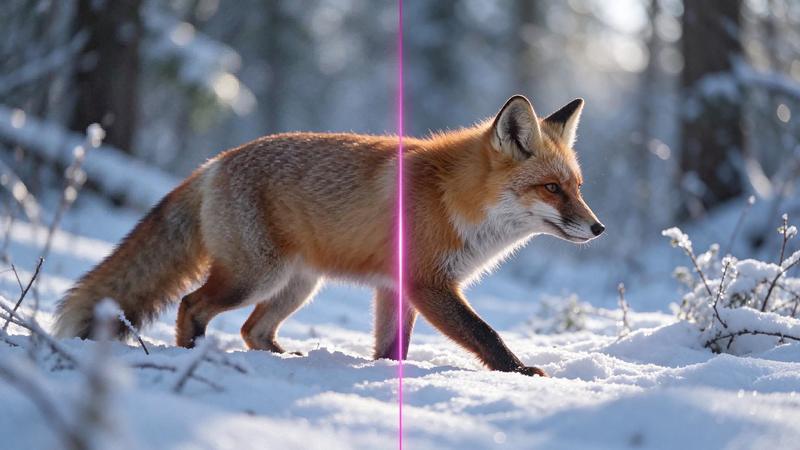
Topaz Image Upscale Creative
Posters, covers and wallpapers from AI art, with new fine detail at a large size.
Upscaling / from $0.08 / run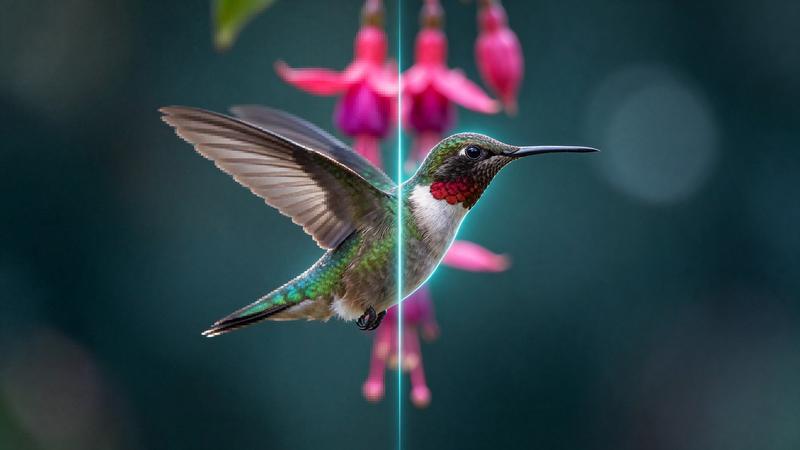
Topaz Image Upscale Precision
Gigapixel-grade enlargement for product shots, portraits and scans that must stay true.
Upscaling / from $0.08 / run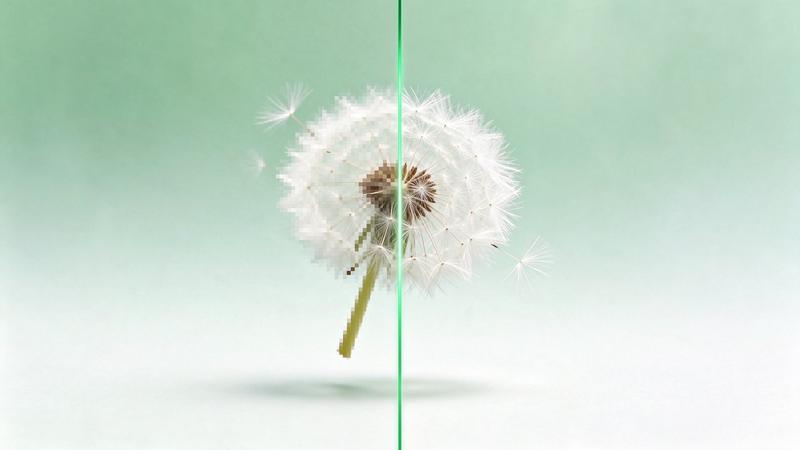
Topaz Image Upscale Transparent
Logos, icons and product cutouts at 4x that stay transparent.
Upscaling / from $0.08 / run
Ideogram 4.5 Edit
Ideogram's editor: masked edits, text swaps and Precise Edit that keeps every untouched pixel.
Image editing / from $0.008 / image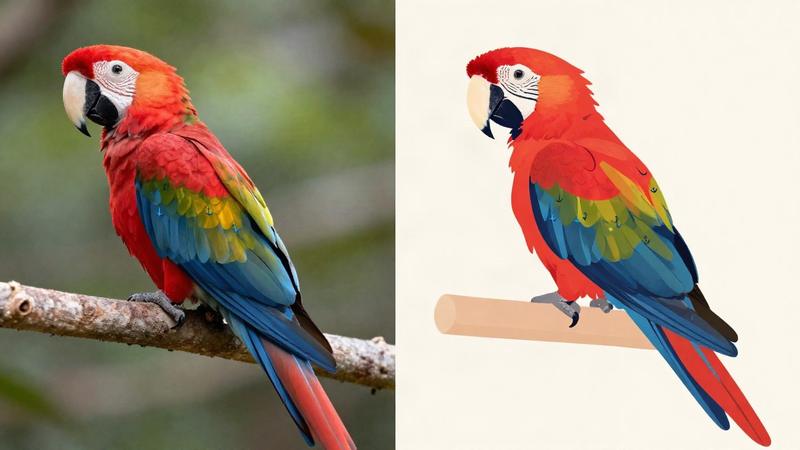
Ideogram Vector Image to Vector
Turn a logo, sketch or scan you only have as pixels into an editable SVG, in detailed or simple mode.
Image to vector / $0.10 / run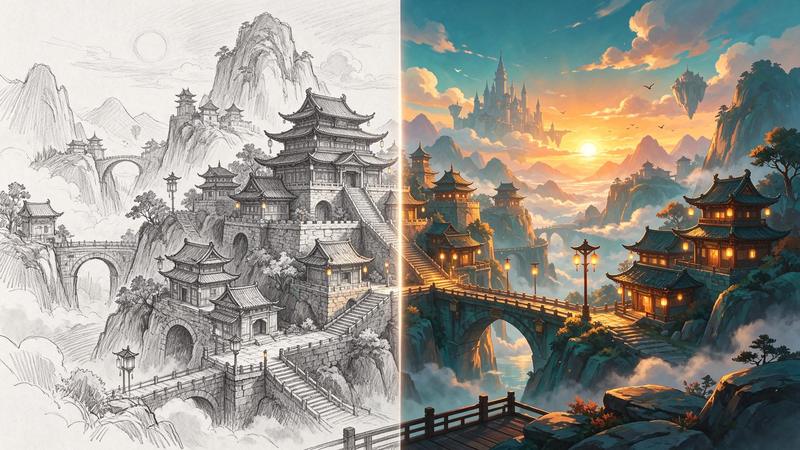
Kling Image V4 Edit
Restyle a photo, place a product in a new scene or merge subjects from up to ten images.
Image editing / from $0.063 / runGo to the source
From the FlyMy.AI model catalog of 2026-11-18: inputs from the model's live schema, prices from FlyMy.AI billing. Requests are examples to paste, not recorded runs.