MCP / Models / 3D generation
Rodin Gen-2.5 Image to 3D MCP: 3D from one to five photos
Hyper3D Rodin Gen-2.5 builds a detailed, textured 3D model with PBR materials from one to five pictures, as GLB, USDZ, FBX, OBJ or STL. Run it from Claude Code, Codex, Cursor or any MCP client through one FlyMy.AI MCP, or call its API.
$ YOUR NEXT RUN
 Any agent
Use Rodin Gen-2.5 Image to 3D in your assistant
Paste this prompt into Claude Code, Codex, Cursor or any agent. It reads the guide and helps you connect.
Read https://flymy.ai/skill.md and https://flymy.ai/mcp/models/rodin-2-5-image-to-3d.md. Help me connect the FlyMy.AI MCP to this assistant, then run Rodin Gen-2.5 Image to 3D (flymyai/rodin-2_5-image-to-3d) for this task: Turn the product photo I attach into a textured 3D model with Rodin Gen-2.5 Image to 3D and send me the model file.
What Rodin Gen-2.5 Image to 3D does
Send images, one to five pictures of the same object (more angles give a more faithful model), and, if you like, prompt, up to 1,024 characters, to guide it. tier sets the level of detail, from Gen-2.5-Minimum, the lightest, to Gen-2.5-Extreme-High, the most detailed, with Gen-2.5-High the default. quality_mesh_option picks quad for smooth surfaces or triangle for detailed geometry, up to 2 million triangles with High and Extreme-High (Auto picks the size advised for the tier). material is PBR, Shaded (baked lighting), All (the default) or None for a plain geometry model, and geometry_file_format is glb (the default), usdz, fbx, obj or stl. use_original_alpha keeps the transparency of the pictures, is_micro adds finer detail with Extreme-High only, and hd_texture, texture_delight, texture_mode, enable_creative_mode and seed refine the result. Outputs: model, textures, extra_models, such as a second material variant, and seed.
It is billed at one price per model, the same for every tier, material and format. It makes one model per request; for a description use Rodin Gen-2.5 Text to 3D, and for a quick, cheap draft the Fast version. It does not rig or animate the result.
Rodin Gen-2.5 Image to 3D inputs
Every input of flymyai/rodin-2_5-image-to-3d as its live schema lists them. Returns model (array), extra_models (array), textures (array), seed (string).
| Input | Type, values and default |
|---|---|
# images | string required One to five pictures of the same object: links or uploads; more angles give a more faithful model |
# prompt | string optional Optional description that guides the model, up to 1024 characters; left out, the model writes its own from the pictures |
# tier | string optional Allowed: Gen-2.5-Minimum, Gen-2.5-Extreme-Low, Gen-2.5-Low, Gen-2.5-Medium, Gen-2.5-High, Gen-2.5-Extreme-High Default: Gen-2.5-High Level of detail: Gen-2.5-Minimum (the lightest), Extreme-Low, Low, Medium, High (the default) or Extreme-High (the most detailed). The price is the same for every tier |
# material | string optional Allowed: PBR, Shaded, All, None Default: All PBR (physically-based materials), Shaded (baked lighting, no PBR maps), All (both variants) or None (geometry only, no textures) |
# quality_mesh_option | string optional Allowed: Auto, 4K Quad, 8K Quad, 18K Quad, 50K Quad, 100K Quad, 200K Quad, 2K Triangle, 20K Triangle, 50K Triangle, 150K Triangle, 500K Triangle, 1M Triangle, 2M Triangle Default: Auto Kind and size of the mesh: Quad (smooth surfaces) or Triangle (detailed geometry). Auto picks the size advised for the tier: 50K triangles for Minimum, Extreme-Low and Low, 500K for Medium and High, 1M for Extreme-High. Up to 1M triangles with the lighter tiers, up to 2M with High and Extreme-High; Gen-2.5-Minimum ignores this field |
# geometry_file_format | string optional Allowed: glb, usdz, fbx, obj, stl Default: glb File format of the 3D model: glb (the default), usdz, fbx, obj or stl |
# texture_mode | string optional Allowed: legacy, extreme-low, low, medium, high Texture quality: legacy, extreme-low, low, medium or high; left out, Rodin picks one that suits the tier |
# hd_texture | boolean optional Default: false Enhanced texture post-processing for higher visual fidelity |
# texture_delight | boolean optional Default: false Remove baked lighting and highlights from the textures |
# enable_creative_mode | boolean optional Default: false Enhanced generative robustness while keeping the output consistent |
# is_micro | boolean optional Default: false Finer micro-scale geometric detail; only has an effect with tier Gen-2.5-Extreme-High |
# seed | integer optional Allowed: 0 to 65535 Seed for the randomness, 0 to 65535; left out, Rodin picks one (the seed it used comes back in the answer) |
# use_original_alpha | boolean optional Default: false Keep the transparency channel of the pictures |
Ask your agent
Requests to paste as they are, once the FlyMy.AI MCP is connected.
flymyai/rodin-2_5-image-to-3dflymyai/rodin-2_5-image-to-3dflymyai/rodin-2_5-image-to-3dRodin Gen-2.5 Image to 3D price
$0.40 per run. A run at the default settings costs $0.40. Billed to your FlyMy.AI balance; no seats, no subscription and no minimum.
Call Rodin Gen-2.5 Image to 3D from code
The same model, from an agent or from your own code. Keys stay in your FlyMy.AI account.
From an agent, through the MCP
The agent calls get_model_schema, then run_model with:
{
  "endpoint_id": "flymyai/rodin-2_5-image-to-3d",
  "input": {
    "prompt": "A wooden treasure chest with iron hinges, game asset",
    "images": [
      "https://example.com/front.jpg",
      "https://example.com/back.jpg"
    ]
  }
}
From your code, over HTTP
Form fields, not JSON; files go as uploads or public URLs. The answer is a prediction_id; read the result at https://api.flymy.ai/api/v1/flymyai/rodin-2_5-image-to-3d/predict/async/result/?request_id=<prediction_id>.
curl -X POST https://api.flymy.ai/api/v1/flymyai/rodin-2_5-image-to-3d/predict/async/ \
  -H "X-API-KEY: $FLYMYAI_API_KEY" \
  -F 'prompt=A wooden treasure chest with iron hinges, game asset' \
  -F 'images=["https://example.com/front.jpg", "https://example.com/back.jpg"]'
Questions about Rodin Gen-2.5 Image to 3D
Do I need a Hyper3D API key for Rodin Gen-2.5 Image to 3D?
No. Rodin Gen-2.5 Image to 3D runs on FlyMy.AI's account, so you need no Hyper3D key or plan: sign in to FlyMy.AI once and each run is billed to your FlyMy.AI balance.
How much does Rodin Gen-2.5 Image to 3D cost?
$0.40 per run. There is no subscription or minimum; the price comes from FlyMy.AI billing and was checked on 2026-11-18.
How do I use Rodin Gen-2.5 Image to 3D in Claude Code, Codex or Cursor?
Add the FlyMy.AI MCP with one command and sign in, then ask in plain words, for example: "Turn the product photo I attach into a textured 3D model with Rodin Gen-2.5 Image to 3D and send me the model file." Your agent reads the inputs with get_model_schema and runs flymyai/rodin-2_5-image-to-3d with run_model.
What does Rodin Gen-2.5 Image to 3D need as input?
Rodin Gen-2.5 Image to 3D requires images; it also takes 12 optional inputs, each listed on this page with its allowed values and default.
Can I call Rodin Gen-2.5 Image to 3D from my own code?
Yes. Send form fields to https://api.flymy.ai/api/v1/flymyai/rodin-2_5-image-to-3d/predict/async/ with your FlyMy.AI API key in the X-API-KEY header.
More 3D generation models
Turn a photo, several views or a prompt into a textured 3D model, rig a character for animation, give a model new textures, split it into parts or rebuild its mesh.

Hyper3D Rigging
Hyper3D's rigger for humans, animals, birds and dragons, with stock animation clips.
3D rigging / $0.20 / run
Rodin Gen-2.5 Fast Image to 3D
Rodin's quick tier for drafts and batches: photos in, a small textured mesh out at a low price.
Image to 3D / $0.10 / run
Rodin Gen-2.5 Fast Text to 3D
Rodin's quick tier from words: a draft 3D model of up to 20K polygons in GLB, USDZ, FBX, OBJ or STL.
Text to 3D / $0.10 / run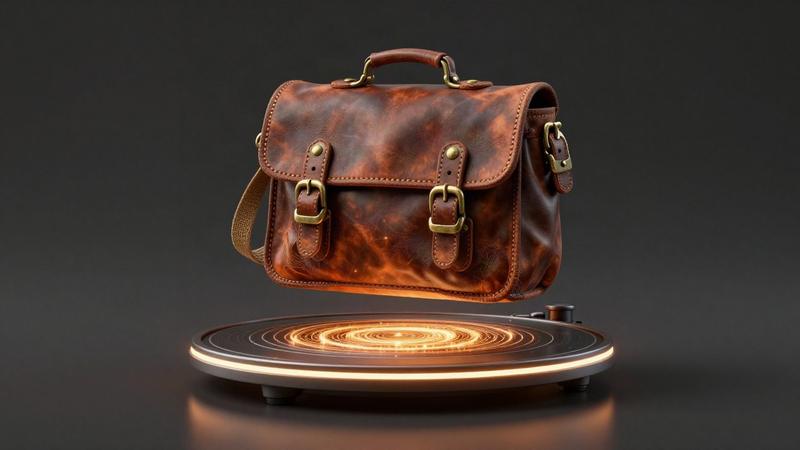
Rodin Gen-2.5 Text to 3D
Hyper3D's production 3D generator from words: a textured model with PBR materials in five file formats.
Text to 3D / $0.40 / run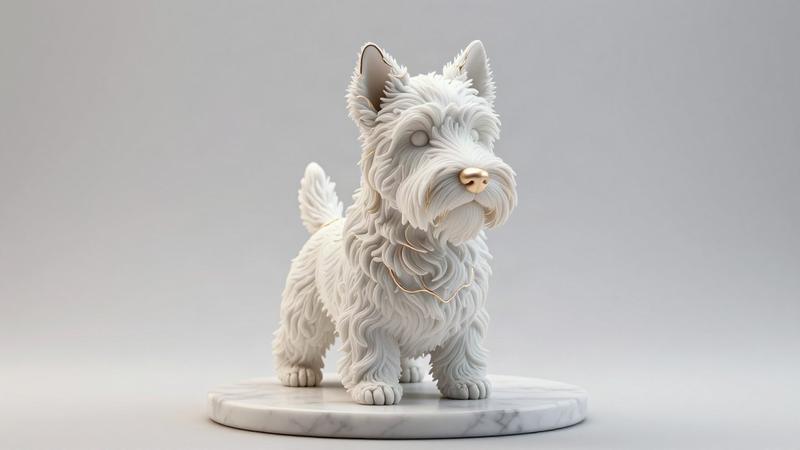
Hi3D v3.0 Image to 3D
Hitem3D's premium image to 3D: 2048-resolution geometry with textures and PBR maps from one picture.
Image to 3D / from $1.80 / run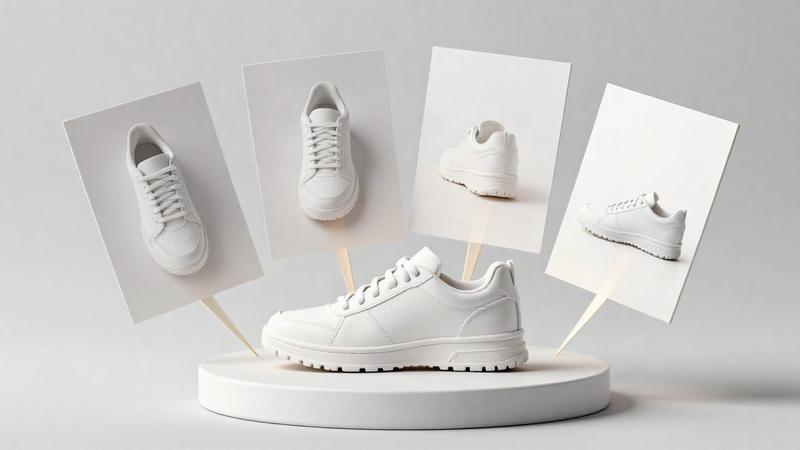
Hi3D v3.0 Multiview to 3D
Hitem3D's premium multi-view to 3D: front, back, left and right pictures in, one detailed model out.
Multi-view to 3D / from $1.80 / runGo to the source
From the FlyMy.AI model catalog of 2026-11-18: inputs from the model's live schema, prices from FlyMy.AI billing. Requests are examples to paste, not recorded runs.