MCP / Models / Image to video
MiniMax I2V-01 Director MCP: camera moves on command
MiniMax I2V-01 Director animates a first frame and follows camera instructions written in the prompt, for precise shot control at 720p. Run it from Claude Code, Codex, Cursor or any MCP client through one FlyMy.AI MCP, or call its API.
$ YOUR NEXT RUN
 Any agent
Use MiniMax I2V-01 Director in your assistant
Paste this prompt into Claude Code, Codex, Cursor or any agent. It reads the guide and helps you connect.
Read https://flymy.ai/skill.md and https://flymy.ai/mcp/models/minimax-i2v-01-director.md. Help me connect the FlyMy.AI MCP to this assistant, then run MiniMax I2V-01 Director (flymyai/minimax-i2v-01-director) for this task: Animate the photo I attach with MiniMax I2V-01 Director: city lights come on as dusk falls.
What MiniMax I2V-01 Director does
Write camera moves such as a pan, a push-in or a tracking shot into the prompt, and send first_frame_image. prompt_optimizer is on by default. It is billed by run time.
MiniMax I2V-01 Director inputs
Every input of flymyai/minimax-i2v-01-director as its live schema lists them. Returns output (array).
Ask your agent
Requests to paste as they are, once the FlyMy.AI MCP is connected.
flymyai/minimax-i2v-01-directorflymyai/minimax-i2v-01-directorflymyai/minimax-i2v-01-directorMiniMax I2V-01 Director price
$3.00 per hour of run time, billed per second. Billed per second of run time, $3.00 an hour. Billed to your FlyMy.AI balance; no seats, no subscription and no minimum.
Call MiniMax I2V-01 Director from code
The same model, from an agent or from your own code. Keys stay in your FlyMy.AI account.
From an agent, through the MCP
The agent calls get_model_schema, then run_model with:
{
  "endpoint_id": "flymyai/minimax-i2v-01-director",
  "input": {
    "prompt": "Slow camera push-in with gentle, natural motion in the scene",
    "prompt_optimizer": "true",
    "first_frame_image": "https://example.com/photo.jpg"
  }
}
From your code, over HTTP
Form fields, not JSON; files go as uploads or public URLs. The answer is a prediction_id; read the result at https://api.flymy.ai/api/v1/flymyai/minimax-i2v-01-director/predict/async/result/?request_id=<prediction_id>.
curl -X POST https://api.flymy.ai/api/v1/flymyai/minimax-i2v-01-director/predict/async/ \
  -H "X-API-KEY: $FLYMYAI_API_KEY" \
  -F 'prompt=Slow camera push-in with gentle, natural motion in the scene' \
  -F 'prompt_optimizer=true' \
  -F "first_frame_image=@photo.jpg"
Questions about MiniMax I2V-01 Director
Do I need a MiniMax API key for MiniMax I2V-01 Director?
No. MiniMax I2V-01 Director runs on FlyMy.AI GPUs, so you need no MiniMax key or plan: sign in to FlyMy.AI once and each run is billed to your FlyMy.AI balance.
How much does MiniMax I2V-01 Director cost?
$3.00 per hour of run time, billed per second. There is no subscription or minimum; the price comes from FlyMy.AI billing and was checked on 2026-11-09.
How do I use MiniMax I2V-01 Director in Claude Code, Codex or Cursor?
Add the FlyMy.AI MCP with one command and sign in, then ask in plain words, for example: "Animate the photo I attach with MiniMax I2V-01 Director: city lights come on as dusk falls." Your agent reads the inputs with get_model_schema and runs flymyai/minimax-i2v-01-director with run_model.
What does MiniMax I2V-01 Director need as input?
MiniMax I2V-01 Director requires prompt, prompt_optimizer and first_frame_image; it also takes 0 optional inputs, each listed on this page with its allowed values and default.
Can I call MiniMax I2V-01 Director from my own code?
Yes. Send form fields to https://api.flymy.ai/api/v1/flymyai/minimax-i2v-01-director/predict/async/ with your FlyMy.AI API key in the X-API-KEY header.
More image to video models
Animate a photo, or move from a first frame to a last one.
MiniMax Image to Video
MiniMax's image-to-video for natural movement from one still picture.
Image to video / $3.00 / hr
MiniMax H3 Image to Video
MiniMax H3 from a frame: native 2K animation with audio, priced per second.
Image to video / from $0.08 / s
MiniMax Hailuo 2.3
MiniMax Hailuo 2.3: dance, flips and micro-expressions from a single frame.
Image to video / $1.50 / run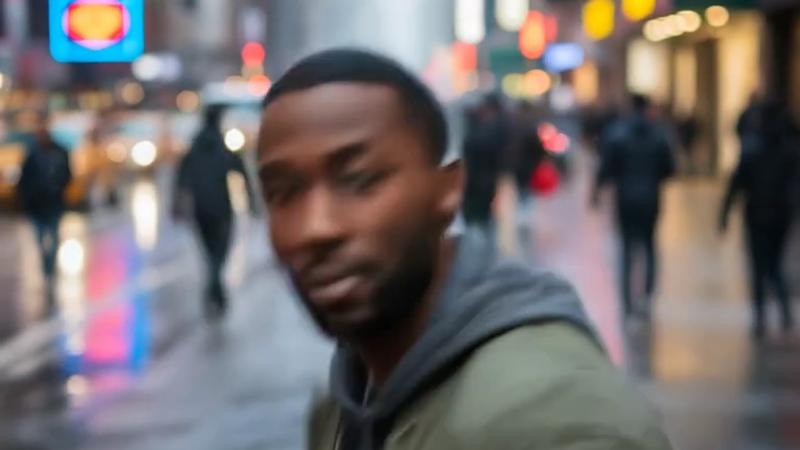
MiniMax Hailuo 2.3 Fast
The quick Hailuo 2.3 for batches: smooth 1080P motion from one frame.
Image to video / $1.50 / run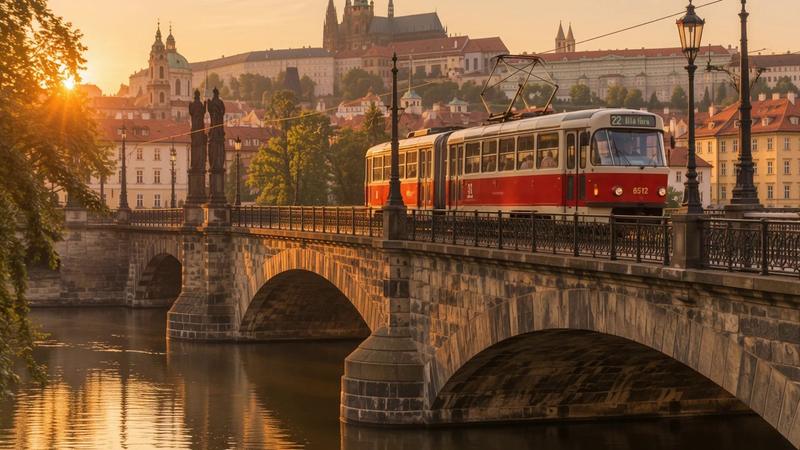
Gemini Omni 1.2 Flash Image to Video
Gemini Omni from a photo: native sound, first-to-last-frame moves, up to 4K.
Image to video / from $0.024 / s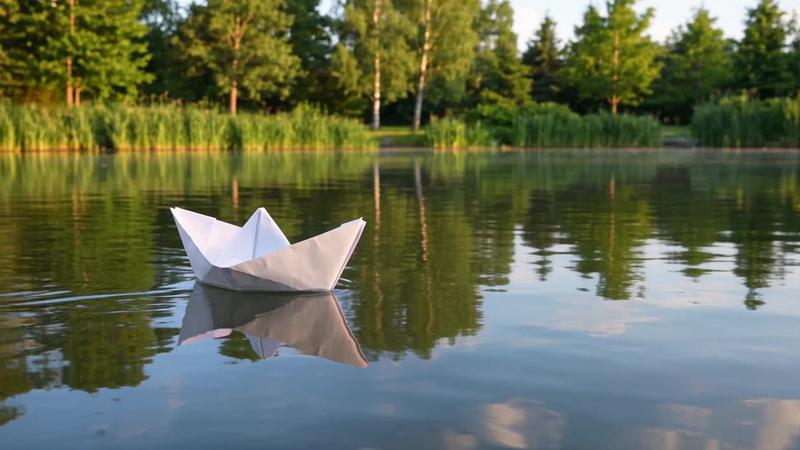
Wan 3.0 Image to Video
Wan 3.0 from your image: up to 30 seconds, adaptive framing and a soundtrack.
Image to video / from $0.05 / sGo to the source
From the FlyMy.AI model catalog of 2026-11-09: inputs from the model's live schema, prices from FlyMy.AI billing. Requests are examples to paste, not recorded runs.