MCP / Models / 3D generation
Meshy 7 Retexture MCP: new textures for a 3D model
Meshy 7 Retexture paints new textures onto an existing 3D model from a text prompt or a style picture, and keeps its shape, as GLB and FBX files. Run it from Claude Code, Codex, Cursor or any MCP client through one FlyMy.AI MCP, or call its API.
$ YOUR NEXT RUN
 Any agent
Use Meshy 7 Retexture in your assistant
Paste this prompt into Claude Code, Codex, Cursor or any agent. It reads the guide and helps you connect.
Read https://flymy.ai/skill.md and https://flymy.ai/mcp/models/meshy-7-retexture.md. Help me connect the FlyMy.AI MCP to this assistant, then run Meshy 7 Retexture (flymyai/meshy-7-retexture) for this task: Give the 3D model I attach a rusty, weathered metal look with Meshy 7 Retexture.
What Meshy 7 Retexture does
Send model, a link or an upload of a GLB, glTF, OBJ, FBX or STL file, and describe the style in text_style_prompt (up to 800 characters) or show it with image_style_url; with both, the picture wins. texture_resolution sets the base color to 2K, 4K or 8K, enable_pbr adds metallic, roughness and normal maps, and enable_original_uv keeps the model's own UV layout. Outputs: model (GLB), fbx and preview. It changes the textures only, never the shape.
Guide: AI 3D model generator API: Tripo, Meshy and Hunyuan 3D
Meshy 7 Retexture inputs
Every input of flymyai/meshy-7-retexture as its live schema lists them. Returns model (array), fbx (array), preview (array).
| Input | Type, values and default |
|---|---|
# model | string required The 3D model to texture: a link or an upload of a GLB, glTF, OBJ, FBX or STL file |
# text_style_prompt | string optional Describe the new look, up to 800 characters; needed unless you send image_style_url |
# image_style_url | file optional Allowed: image file, as a URL or upload A picture of the look to copy: a link or an upload (JPG, PNG or WebP); with a text style too, the picture wins |
# texture_resolution | string optional Allowed: 2k, 4k, 8k Default: 2k Base color resolution: 2k or 4k ($0.30), or 8k ($0.45, with 4K PBR maps) |
# enable_original_uv | boolean optional Default: true Keep the model's own UV layout; a model without UVs may come out worse |
# enable_pbr | boolean optional Default: false Add PBR maps (metallic, roughness, normal) to the base color, at no extra cost |
Ask your agent
Requests to paste as they are, once the FlyMy.AI MCP is connected.
flymyai/meshy-7-retextureflymyai/meshy-7-retextureflymyai/meshy-7-retextureMeshy 7 Retexture price
From $0.30 per run, depending on texture_resolution. A run at the default settings costs $0.30. A run costs $0.30 to $0.45, depending on texture_resolution. Billed to your FlyMy.AI balance; no seats, no subscription and no minimum.
Call Meshy 7 Retexture from code
The same model, from an agent or from your own code. Keys stay in your FlyMy.AI account.
From an agent, through the MCP
The agent calls get_model_schema, then run_model with:
{
  "endpoint_id": "flymyai/meshy-7-retexture",
  "input": {
    "model": "https://example.com/model.glb"
  }
}
From your code, over HTTP
Form fields, not JSON; files go as uploads or public URLs. The answer is a prediction_id; read the result at https://api.flymy.ai/api/v1/flymyai/meshy-7-retexture/predict/async/result/?request_id=<prediction_id>.
curl -X POST https://api.flymy.ai/api/v1/flymyai/meshy-7-retexture/predict/async/ \
  -H "X-API-KEY: $FLYMYAI_API_KEY" \
  -F 'model=https://example.com/model.glb'
Questions about Meshy 7 Retexture
Do I need a Meshy API key for Meshy 7 Retexture?
No. Meshy 7 Retexture runs on FlyMy.AI's account, so you need no Meshy key or plan: sign in to FlyMy.AI once and each run is billed to your FlyMy.AI balance.
How much does Meshy 7 Retexture cost?
From $0.30 per run, depending on texture_resolution. There is no subscription or minimum; the price comes from FlyMy.AI billing and was checked on 2026-11-18.
How do I use Meshy 7 Retexture in Claude Code, Codex or Cursor?
Add the FlyMy.AI MCP with one command and sign in, then ask in plain words, for example: "Give the 3D model I attach a rusty, weathered metal look with Meshy 7 Retexture." Your agent reads the inputs with get_model_schema and runs flymyai/meshy-7-retexture with run_model.
What does Meshy 7 Retexture need as input?
Meshy 7 Retexture requires model; it also takes 5 optional inputs, each listed on this page with its allowed values and default.
Can I call Meshy 7 Retexture from my own code?
Yes. Send form fields to https://api.flymy.ai/api/v1/flymyai/meshy-7-retexture/predict/async/ with your FlyMy.AI API key in the X-API-KEY header.
More 3D generation models
Turn a photo, several views or a prompt into a textured 3D model, rig a character for animation, give a model new textures, split it into parts or rebuild its mesh.
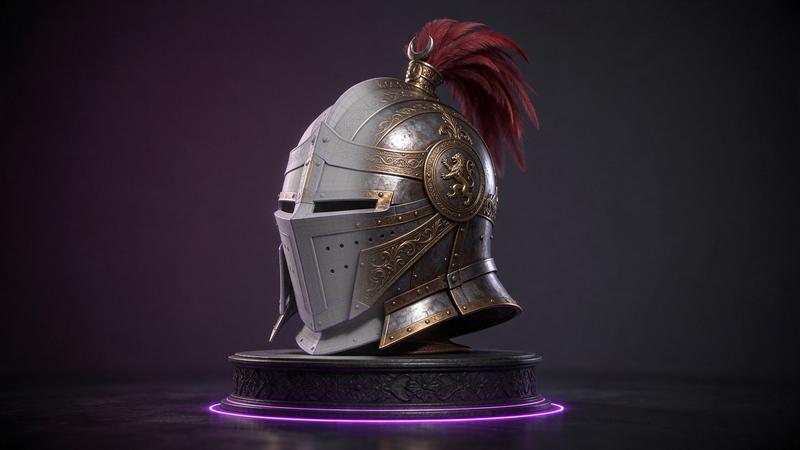
Meshy 7.1 Image to 3D
A detailed GLB and FBX from one photo, with a rigged, animated character on request.
Image to 3D / from $0.80 / run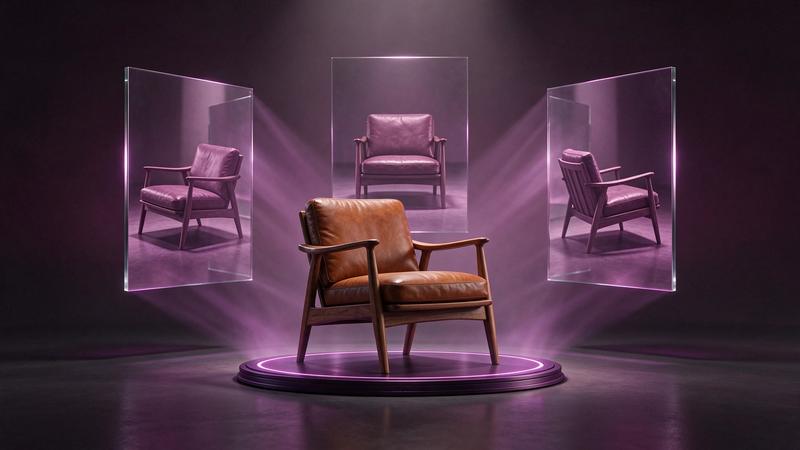
Meshy 7.1 Multi-Image to 3D
Up to four photos of one object become a single Meshy 7.1 model, rig optional.
Multi-view to 3D / from $0.80 / run
Meshy 7.1 Text to 3D
Meshy's latest model from a prompt: a textured GLB and FBX, with a cheaper preview mode.
Text to 3D / from $0.80 / run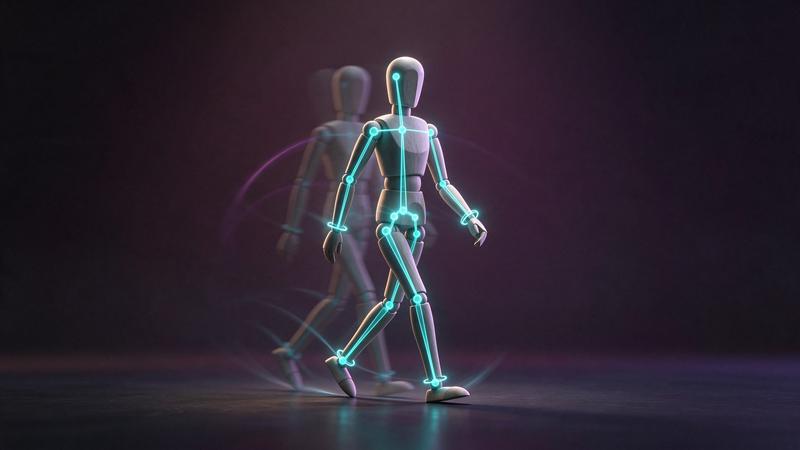
Meshy Rigging
A skeleton for your humanoid character, with walk and run clips for your engine.
3D rigging / from $0.20 / run
Meshy Rigging Multi-Animation
Rig a humanoid once and bake up to ten Meshy library animations in one call, one clip per id.
3D rigging / $0.32 / run
Meshy T2.5 Image to 3D
Meshy's Smart Topology from a photo: light meshes with separated parts for real time.
Image to 3D / from $0.20 / runGo to the source
From the FlyMy.AI model catalog of 2026-11-18: inputs from the model's live schema, prices from FlyMy.AI billing. Requests are examples to paste, not recorded runs.