MCP / Models / Image editing
MAI-Image 2.7 Edit MCP: edit pictures from an instruction
MAI-Image 2.7 Edit changes one to five of your pictures from a text instruction, or uses several as references for one result. Run it from Claude Code, Codex, Cursor or any MCP client through one FlyMy.AI MCP, or call its API.
$ YOUR NEXT RUN
 Any agent
Use MAI-Image 2.7 Edit in your assistant
Paste this prompt into Claude Code, Codex, Cursor or any agent. It reads the guide and helps you connect.
Read https://flymy.ai/skill.md and https://flymy.ai/mcp/models/mai-image-2-7-edit.md. Help me connect the FlyMy.AI MCP to this assistant, then run MAI-Image 2.7 Edit (flymyai/mai-image-2_7-edit) for this task: Replace the background of the photo I attach with a rainy neon street at night using MAI-Image 2.7 Edit.
What MAI-Image 2.7 Edit does
Send images, one to five pictures as links or uploads (PNG, JPEG or WebP), and say in prompt, up to 8,000 characters, what to change, naming the picture to edit as the first, the second and so on. image_size picks one of seven shapes; left out, the model picks a size close to your pictures, and for one picture its own shape at 1K scale. resolution is 1K or 2K, and background transparent gives a clear background as png or webp. One result per request.
It is billed on the tokens a run uses, and each picture you send counts by its size, so a large photo adds to the price; the price shown before the run is an upper bound held on your balance. It does not make a picture from text alone (MAI-Image 2.7 does), take custom pixel sizes or make video.
MAI-Image 2.7 Edit inputs
Every input of flymyai/mai-image-2_7-edit as its live schema lists them. Returns images (array).
| Input | Type, values and default |
|---|---|
# prompt | string required What to change in the pictures, or how to combine them |
# images | string required One to five pictures to edit or to use as references, links or uploads (PNG, JPEG or WebP). Name the one to change in the prompt (first picture, second picture). Each picture is counted as its pixels / 1,024 image tokens at $8 per million (a 1024x1024 picture is 1,024 tokens; a 12-megapixel photo is about $0.094) |
# image_size | string optional Allowed: square_hd, portrait_4_3, landscape_4_3, portrait_3_2, landscape_3_2, portrait_16_9, landscape_16_9 The shape of the picture at 1K: square_hd 1024x1024, portrait_4_3 768x1024, landscape_4_3 1024x768, portrait_3_2 768x1152, landscape_3_2 1152x768, portrait_16_9 768x1360, landscape_16_9 1360x768 (2K doubles each side); left out, the model picks a size close to your pictures |
# resolution | string optional Allowed: 1K, 2K Default: 1K 1K (about 1 megapixel, 1,024 image tokens at most) or 2K (each side doubled, up to 4,096 tokens: about four times the price of the picture) |
# background | string optional Allowed: opaque, transparent Default: opaque opaque, or transparent (PNG or WebP output only: with jpeg the request is refused) |
# output_format | string optional Allowed: png, jpeg, webp Default: png The file format of the picture: png (default), jpeg or webp |
Ask your agent
Requests to paste as they are, once the FlyMy.AI MCP is connected.
flymyai/mai-image-2_7-editflymyai/mai-image-2_7-editflymyai/mai-image-2_7-editMAI-Image 2.7 Edit price
From $0.0349 per run, depending on the size of the pictures you send, resolution and prompt. Pictures of 1.048576 megapixels in all cost $0.0431 with the default settings. A run at the default settings costs $0.0431. A run costs $0.0349 to $0.795, depending on images and resolution and prompt. Billed to your FlyMy.AI balance; no seats, no subscription and no minimum.
Call MAI-Image 2.7 Edit from code
The same model, from an agent or from your own code. Keys stay in your FlyMy.AI account.
From an agent, through the MCP
The agent calls get_model_schema, then run_model with:
{
  "endpoint_id": "flymyai/mai-image-2_7-edit",
  "input": {
    "prompt": "Replace the background with a marble table by a sunny window",
    "images": [
      "https://example.com/front.jpg",
      "https://example.com/back.jpg"
    ]
  }
}
From your code, over HTTP
Form fields, not JSON; files go as uploads or public URLs. The answer is a prediction_id; read the result at https://api.flymy.ai/api/v1/flymyai/mai-image-2_7-edit/predict/async/result/?request_id=<prediction_id>.
curl -X POST https://api.flymy.ai/api/v1/flymyai/mai-image-2_7-edit/predict/async/ \
  -H "X-API-KEY: $FLYMYAI_API_KEY" \
  -F 'prompt=Replace the background with a marble table by a sunny window' \
  -F 'images=["https://example.com/front.jpg", "https://example.com/back.jpg"]'
Questions about MAI-Image 2.7 Edit
Do I need a Microsoft API key for MAI-Image 2.7 Edit?
No. MAI-Image 2.7 Edit runs on FlyMy.AI's account, so you need no Microsoft key or plan: sign in to FlyMy.AI once and each run is billed to your FlyMy.AI balance.
How much does MAI-Image 2.7 Edit cost?
From $0.0349 per run, depending on the size of the pictures you send, resolution and prompt. Pictures of 1.048576 megapixels in all cost $0.0431 with the default settings. There is no subscription or minimum; the price comes from FlyMy.AI billing and was checked on 2026-11-18.
How do I use MAI-Image 2.7 Edit in Claude Code, Codex or Cursor?
Add the FlyMy.AI MCP with one command and sign in, then ask in plain words, for example: "Replace the background of the photo I attach with a rainy neon street at night using MAI-Image 2.7 Edit." Your agent reads the inputs with get_model_schema and runs flymyai/mai-image-2_7-edit with run_model.
What does MAI-Image 2.7 Edit need as input?
MAI-Image 2.7 Edit requires prompt and images; it also takes 4 optional inputs, each listed on this page with its allowed values and default.
Can I call MAI-Image 2.7 Edit from my own code?
Yes. Send form fields to https://api.flymy.ai/api/v1/flymyai/mai-image-2_7-edit/predict/async/ with your FlyMy.AI API key in the X-API-KEY header.
More image editing models
Change a picture you already have: background, objects, style, text in the frame, its resolution, or turn it into a vector graphic.
MAI-Image 2.7 Flash Edit
Low-cost edits of up to five pictures from an instruction, with the same shapes and sizes.
Image editing / from $0.0103 / run
Ideogram 4.5 Edit
Ideogram's editor: masked edits, text swaps and Precise Edit that keeps every untouched pixel.
Image editing / from $0.008 / image
Ideogram Vector Image to Vector
Turn a logo, sketch or scan you only have as pixels into an editable SVG, in detailed or simple mode.
Image to vector / $0.10 / run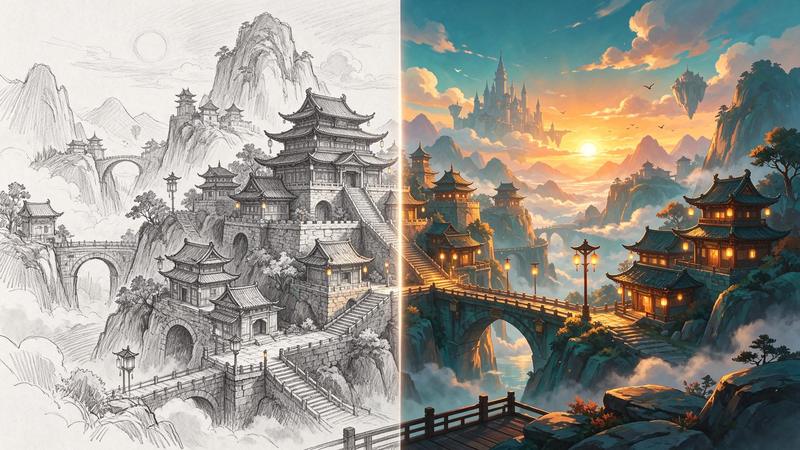
Kling Image V4 Edit
Restyle a photo, place a product in a new scene or merge subjects from up to ten images.
Image editing / from $0.063 / run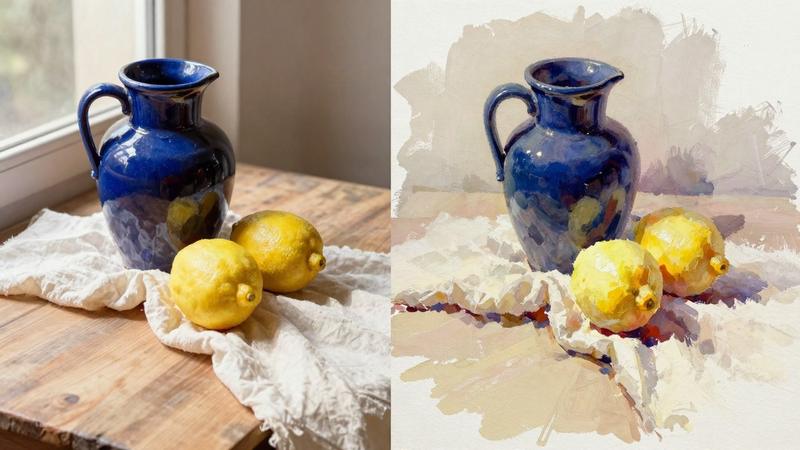
Krea 3 Edit
Krea 3 for edits: up to eight pictures changed or combined from an instruction, billed per megapixel.
Image editing / from $0.0063 / run
Muse Image Edit
Meta's editor: precise changes that leave the rest of the picture alone, from up to ten pictures.
Image editing / $0.01 / imageGo to the source
From the FlyMy.AI model catalog of 2026-11-18: inputs from the model's live schema, prices from FlyMy.AI billing. Requests are examples to paste, not recorded runs.