MCP / Models / Image editing
Seedream 5.5 Layers MCP: split a picture into layers
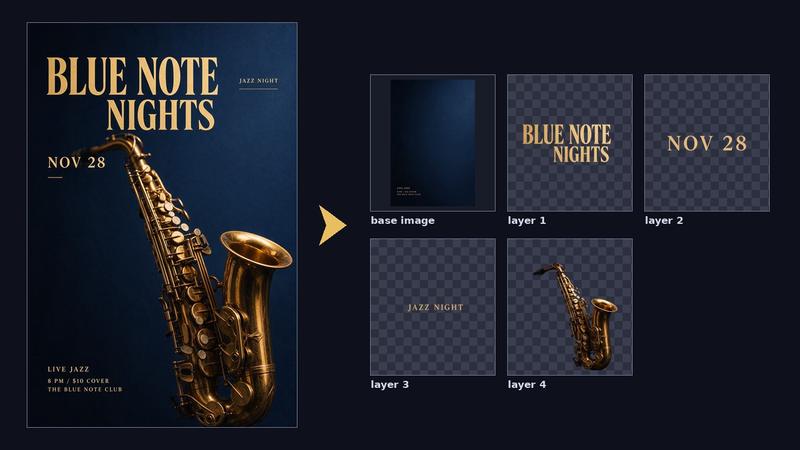
ByteDance Seedream 5.5 Layers splits one picture into a base image and transparent PNG layers, each with its name, description and position. Run it from Claude Code, Codex, Cursor or any MCP client through one FlyMy.AI MCP, or call its API.
$ YOUR NEXT RUN
 Any agent
Use Seedream 5.5 Layers in your assistant
Paste this prompt into Claude Code, Codex, Cursor or any agent. It reads the guide and helps you connect.
Read https://flymy.ai/skill.md and https://flymy.ai/mcp/models/bytedance-seedream-5-5-layers.md. Help me connect the FlyMy.AI MCP to this assistant, then run Seedream 5.5 Layers (flymyai/bytedance-seedream-5_5-layers) for this task: Split the poster I attach into a base image and transparent layers with Seedream 5.5 Layers: the headline, the date and the main picture.
What Seedream 5.5 Layers does
Send image (one PNG or JPEG, 512x512 to 6000x6000 pixels, up to 30 MB) and, if you like, a prompt that names what to split out, such as 'each animal on its own layer'; leave it out to let the model decide. image comes back as the base image first, with the background filled in behind the pieces taken out of it, and then the layers in stacking order, each a PNG that is transparent around its piece. layers lists them in the same order with each z_index, name, description and bounding_box on the base image. max_images (12 by default) caps how many images a run may make, size is 1K (the default), 1.5K, 2K or auto, and text_recognition adds the text and its style to text layers. The model decides how many layers a picture has. Every image made is billed, the base image and each layer, and the picture you send adds a small charge. It does not generate or edit pictures, which Seedream 5.5 does, and it returns PNG layers, not a layered file.
Seedream 5.5 Layers inputs
Every input of flymyai/bytedance-seedream-5_5-layers as its live schema lists them. Returns image (array), layers (string).
| Input | Type, values and default |
|---|---|
# image | file required Allowed: image file, as a URL or upload The picture to split: one PNG or JPEG, 512x512 to 6000x6000 pixels, aspect ratio between 1:16 and 16:1, up to 30 MB; a link or an upload |
# prompt | string optional What to split out, in plain words, such as "each animal on its own layer"; <bbox>left top right bottom</bbox> with values 0-1000 marks a region. Leave empty to let the model decide |
# max_images | integer optional Allowed: 2 to 100 Default: 12 The most images this run may make, the base image included: 12 is the base image and up to 11 layers. A larger number splits the picture finer. Every image made is billed, and your balance must cover this many |
# size | string optional Allowed: 1K, 1.5K, 2K, auto Default: 1K Resolution of the base image and of each layer, which all come out at about this many pixels whatever they hold: 1K about 1 megapixel, 1.5K about 2.4, 2K about 4.2. $0.02 per image at 1K or 1.5K, $0.035 at 2K; auto keeps the size of your picture and bills each image at the rate of its own size |
# text_recognition | boolean optional Default: false Also return the text of the text layers: its lines with their positions and the approximate style of each run (font, colour, bold, italic), in layers[].text_recognition. Regular printed text only; it is not billed apart |
# watermark | boolean optional Default: false Add BytePlus's "AI generated" mark to the images |
Ask your agent
Requests to paste as they are, once the FlyMy.AI MCP is connected.
flymyai/bytedance-seedream-5_5-layersflymyai/bytedance-seedream-5_5-layersflymyai/bytedance-seedream-5_5-layersSeedream 5.5 Layers price
From $0.02 per image, depending on size; every image is billed, the base image and each layer, and the image you give adds $0.008: a base image and 3 layers at 1K cost $0.088. A run costs $0.048 to $3.51, depending on size and max_images. Billed to your FlyMy.AI balance; no seats, no subscription and no minimum.
| Setting | Price |
|---|---|
| size ['1K', '1.5K'] | $0.02 per image |
| size ['2K', 'auto'] | $0.035 per image |
Call Seedream 5.5 Layers from code
The same model, from an agent or from your own code. Keys stay in your FlyMy.AI account.
From an agent, through the MCP
The agent calls get_model_schema, then run_model with:
{
  "endpoint_id": "flymyai/bytedance-seedream-5_5-layers",
  "input": {
    "prompt": "The headline, the date and each product on its own layer",
    "image": "https://example.com/photo.jpg"
  }
}
From your code, over HTTP
Form fields, not JSON; files go as uploads or public URLs. The answer is a prediction_id; read the result at https://api.flymy.ai/api/v1/flymyai/bytedance-seedream-5_5-layers/predict/async/result/?request_id=<prediction_id>.
curl -X POST https://api.flymy.ai/api/v1/flymyai/bytedance-seedream-5_5-layers/predict/async/ \
  -H "X-API-KEY: $FLYMYAI_API_KEY" \
  -F 'prompt=The headline, the date and each product on its own layer' \
  -F "image=@photo.jpg"
Questions about Seedream 5.5 Layers
Do I need a ByteDance API key for Seedream 5.5 Layers?
No. Seedream 5.5 Layers runs on FlyMy.AI's account, so you need no ByteDance key or plan: sign in to FlyMy.AI once and each run is billed to your FlyMy.AI balance.
How much does Seedream 5.5 Layers cost?
From $0.02 per image, depending on size; every image is billed, the base image and each layer, and the image you give adds $0.008: a base image and 3 layers at 1K cost $0.088. There is no subscription or minimum; the price comes from FlyMy.AI billing and was checked on 2026-11-18.
How do I use Seedream 5.5 Layers in Claude Code, Codex or Cursor?
Add the FlyMy.AI MCP with one command and sign in, then ask in plain words, for example: "Split the poster I attach into a base image and transparent layers with Seedream 5.5 Layers: the headline, the date and the main picture." Your agent reads the inputs with get_model_schema and runs flymyai/bytedance-seedream-5_5-layers with run_model.
What does Seedream 5.5 Layers need as input?
Seedream 5.5 Layers requires image; it also takes 5 optional inputs, each listed on this page with its allowed values and default.
Can I call Seedream 5.5 Layers from my own code?
Yes. Send form fields to https://api.flymy.ai/api/v1/flymyai/bytedance-seedream-5_5-layers/predict/async/ with your FlyMy.AI API key in the X-API-KEY header.
More image editing models
Change a picture you already have: background, objects, style, text in the frame, its resolution, or turn it into a vector graphic.
SeedVR2 Image Upscale
Cheap upscales in volume for renders, product photos and screenshots.
Upscaling / from $0.001 / run
SeedVR2 Seamless Image Upscale
Game textures, fabrics and wallpaper patterns at more pixels, still seamless.
Upscaling / from $0.0025 / run
Ideogram 4.5 Edit
Ideogram's editor: masked edits, text swaps and Precise Edit that keeps every untouched pixel.
Image editing / from $0.008 / image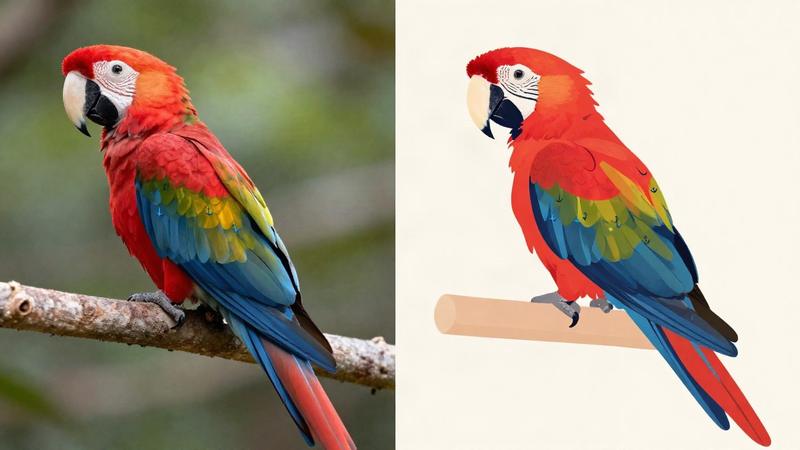
Ideogram Vector Image to Vector
Turn a logo, sketch or scan you only have as pixels into an editable SVG, in detailed or simple mode.
Image to vector / $0.10 / run
Kling Image V4 Edit
Restyle a photo, place a product in a new scene or merge subjects from up to ten images.
Image editing / from $0.063 / run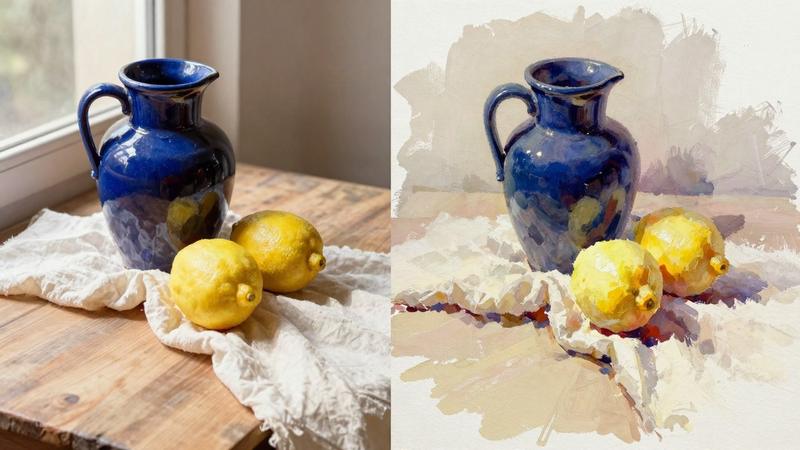
Krea 3 Edit
Krea 3 for edits: up to eight pictures changed or combined from an instruction, billed per megapixel.
Image editing / from $0.0063 / runGo to the source
From the FlyMy.AI model catalog of 2026-11-18: inputs from the model's live schema, prices from FlyMy.AI billing. Requests are examples to paste, not recorded runs.